
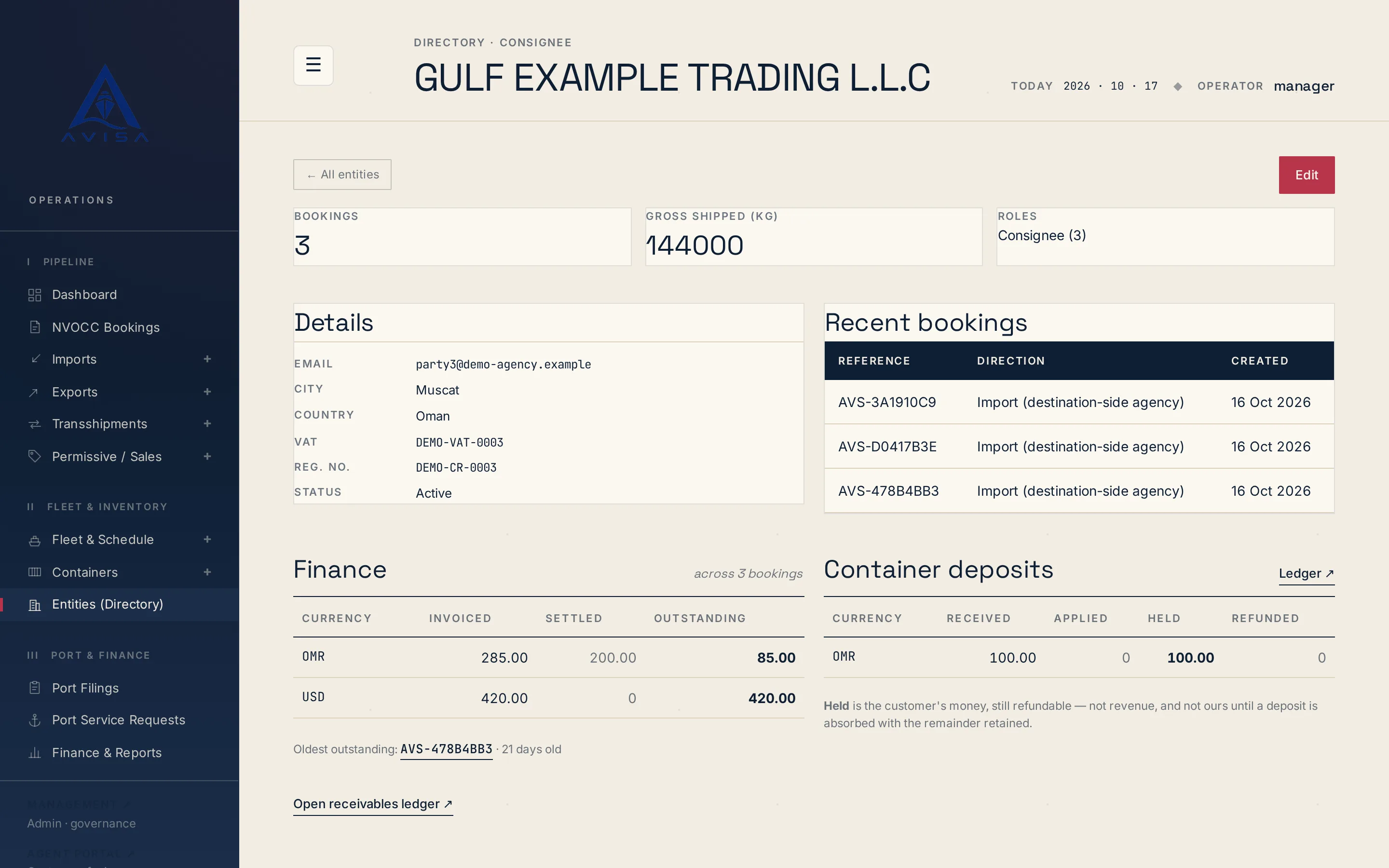
Customer directory
Keep each shipper, consignee and forwarder once, with VAT, registration number and address. Booking forms fill from it and likely duplicates are flagged.
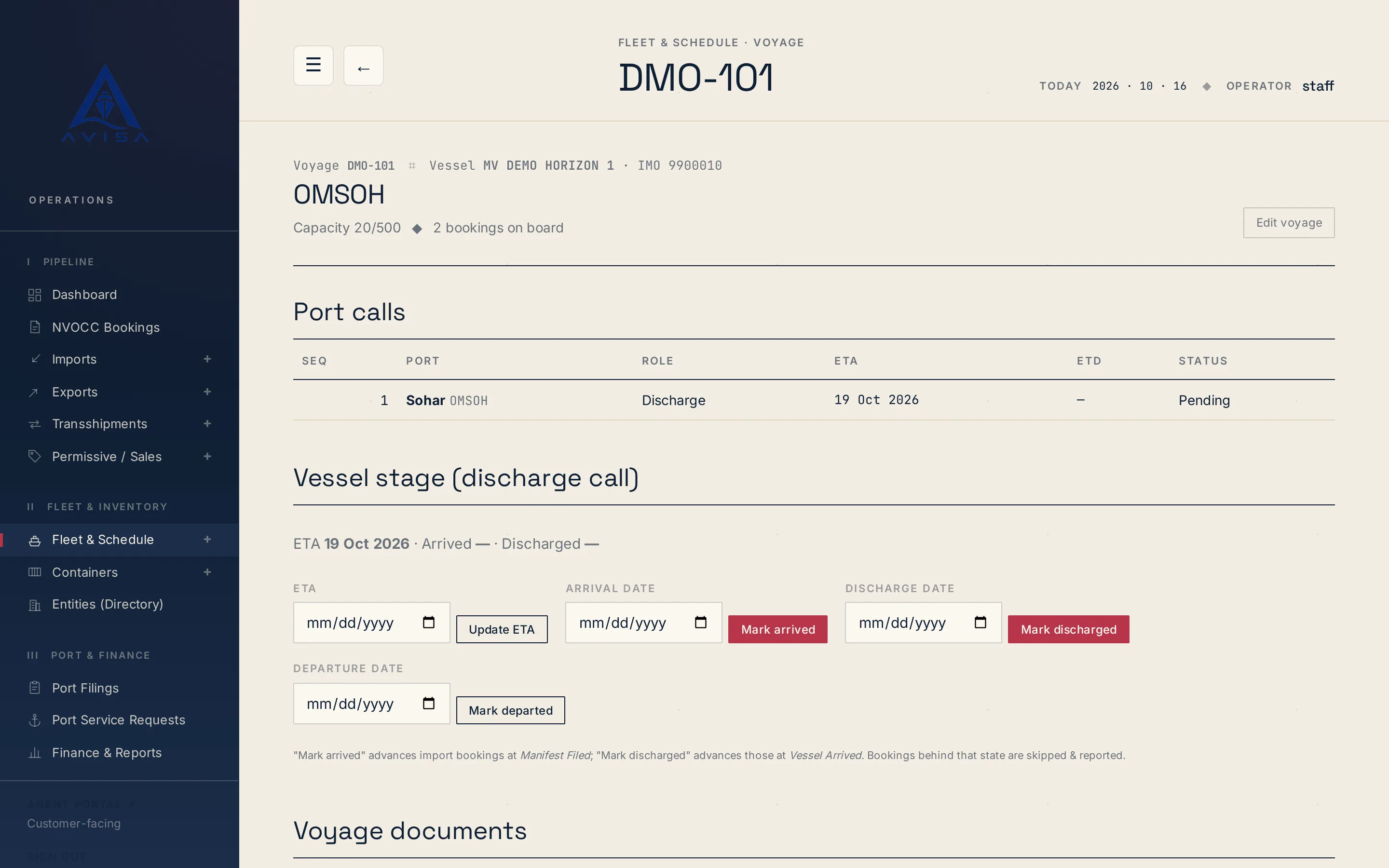
For each vessel arrival, AVISA builds one inbound manifest (IGM) on the workbook Bayan supplies, the Bayan Cargo Master Manifest. It covers the import and transshipment bills of lading on that call, each marked with its own document type. AVISA fills in the vessel call, the transport documents, containers, parties, cargo items and route legs. The workbook's lookup sheets stay as Bayan supplies them.
The data comes from the bookings, parties and containers already in AVISA, so the manifest comes from the same records as your bills of lading and invoices. The party details on each booking can be filled from the Customer directory.
AVISA holds your Bayan agent code in its port settings. When one bill of lading has to be filed on its own, it can also produce the manifest for a single booking.
The voyage page has a "Customs filings" section that shows the filing deadline, counted back from the vessel's arrival date. It turns amber inside the last 24 hours and red once the deadline has passed. The deadline sits on the page your team already uses for the voyage, not in someone's calendar.
AVISA holds the arrival as a date, not a time, so the deadline it shows can fall up to a day earlier than one counted from the exact arrival time.
Your team downloads the inbound manifest from the voyage and uploads the file to Bayan. Then, in the filing tracker or on the booking page, someone sets the filing to Sent, and the deadline changes to "Lodged" with the date and time.
A filing counts as lodged only when someone marks it sent; a downloaded file never shows as done. Every download is recorded in the filing history, so you can see what was generated, when and by whom. If a booking changes after that, download again. A new file is generated every time, so it is never stale.
Import cargo that moves on by land to a GCC neighbour goes on the same manifest, marked Transit. Your team ticks "This is a transit shipment" when it creates the import booking, and picks the land corridor from a list. The GCC land corridors come preloaded, and your administrator can edit the list. The booking page shows the transit marker and the corridor to everyone handling the shipment.
Each transport document on the manifest carries an indicator, such as Import, Transhipment or Transit. For a transit booking, AVISA marks the bill of lading Transit instead of Import, and files the chosen corridor as the cargo's final destination on the route, instead of the discharge port. The corridor comes from a fixed list, so the final destination is filed the same way every time, and the transit cargo needs no second list kept in step with the manifest.
There is no separate transit declaration: the Transit marking rides on the cargo manifest only. Transit is set on import bookings. Sea transshipment is its own booking type and is filed as Transhipment.
AVISA does not submit anything to Bayan electronically. Your team uploads the file. AVISA's part is the filled workbook, the deadline on the voyage page and the record of what was generated and lodged.
To see the manifest built from a voyage like yours, request a demo.
Keep each shipper, consignee and forwarder once, with VAT, registration number and address. Booking forms fill from it and likely duplicates are flagged.
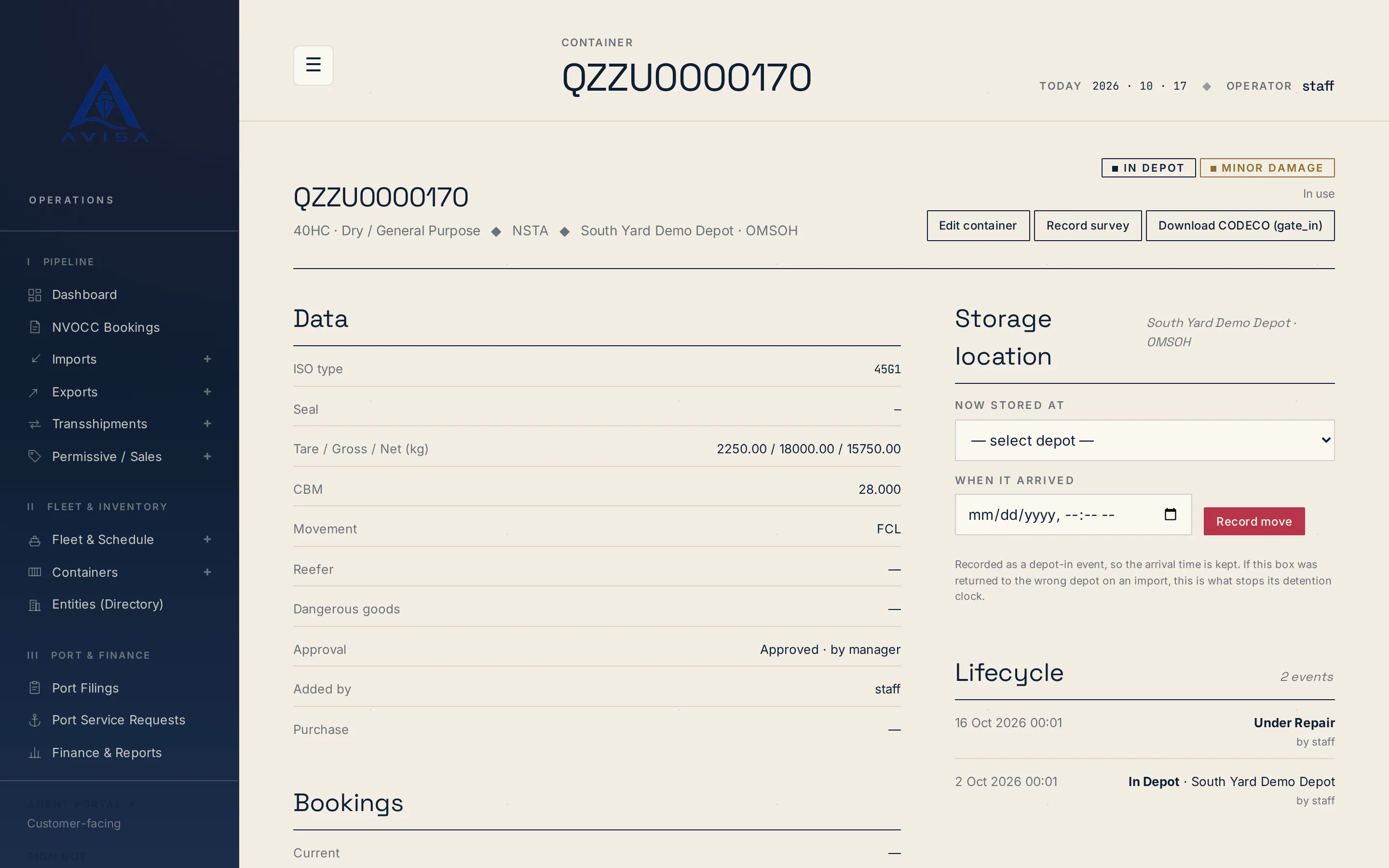
Download container repair estimates as DESTIM files and gate-in, gate-out or post-repair moves as CODECO files, built from your AVISA records. Download only.
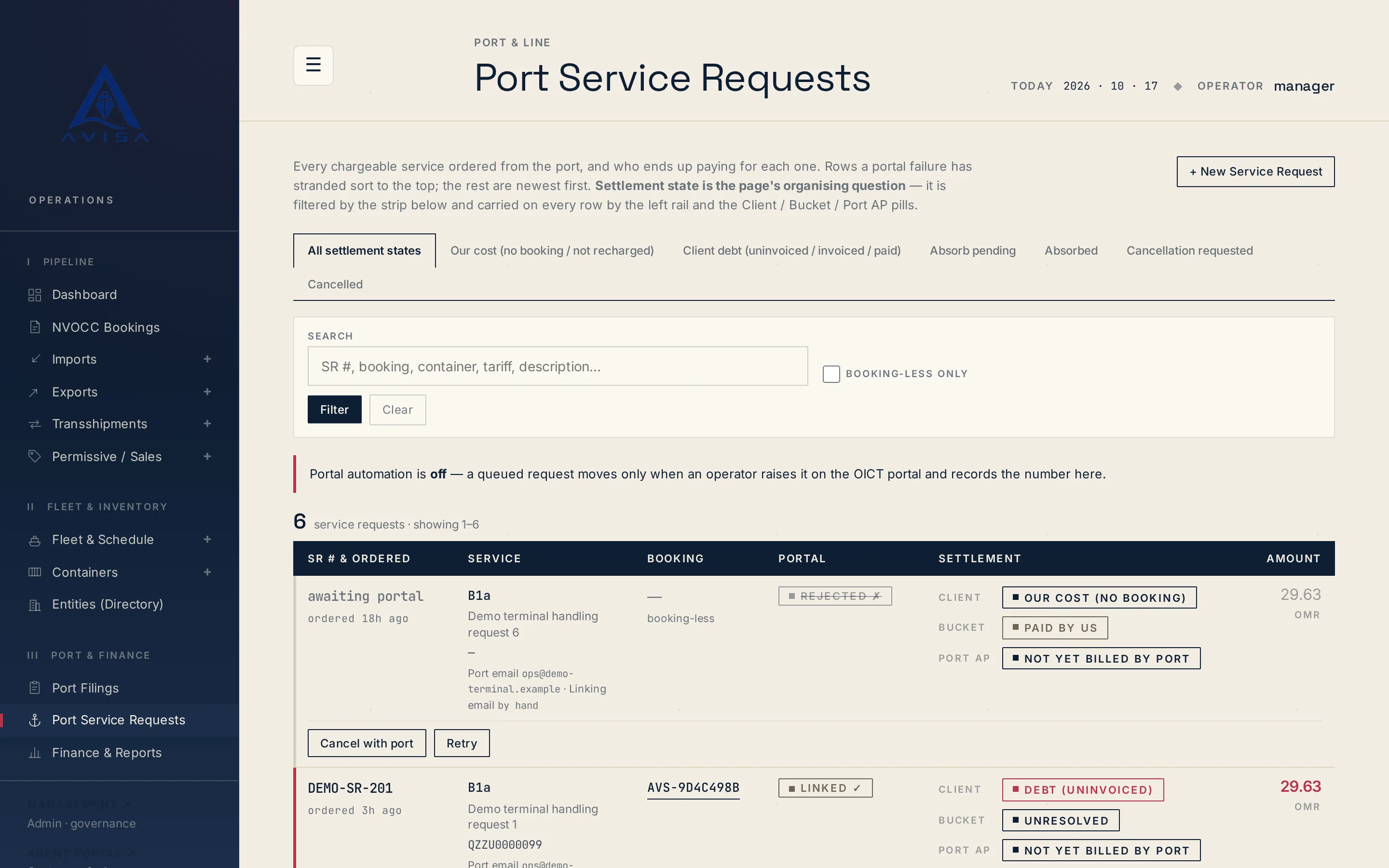
Raise OICT terminal service requests on a booking, price them from the tariff, recharge the client, see who pays. Optional portal automation for checked types.