
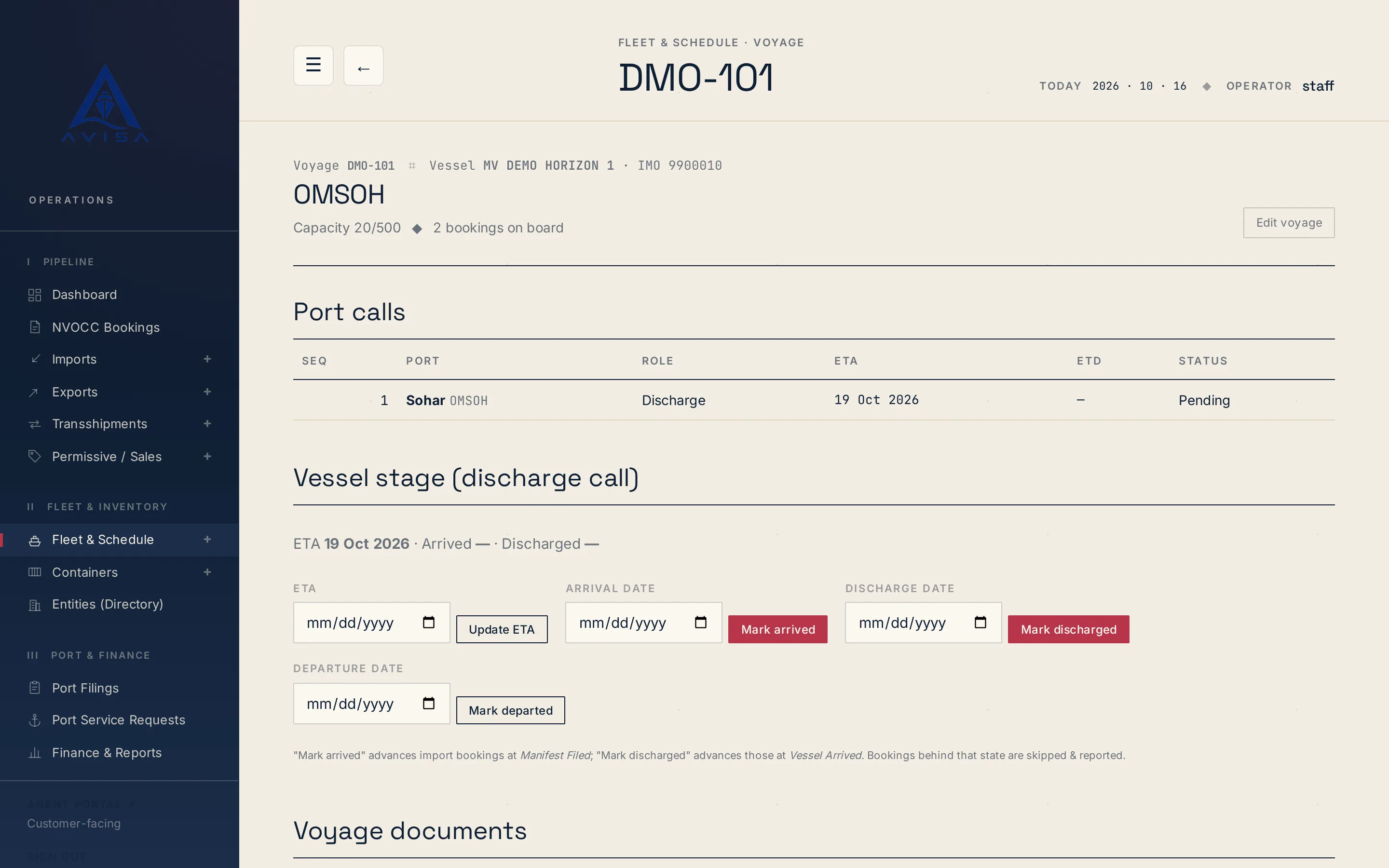
Bayan manifest
AVISA fills the Bayan cargo manifest workbook for each vessel arrival from your bookings, shows the filing deadline and marks land-transit cargo as Transit.
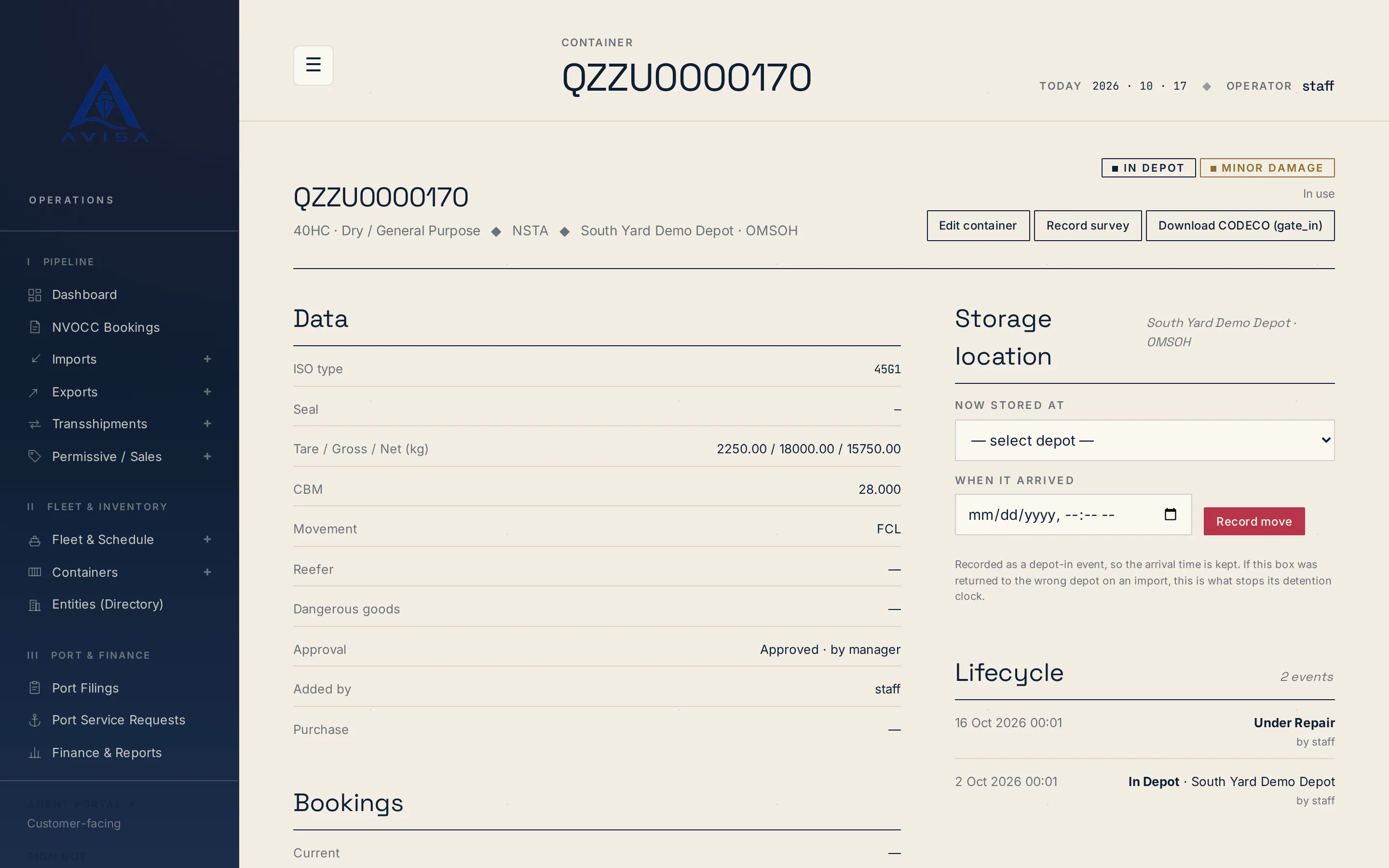
AVISA writes two standard container messages from records it already holds: the repair estimate, as a DESTIM file, and the gate move, as a CODECO file. Both are UN/EDIFACT messages. Each file is offered as a download on the page where its record lives, so an estimate or a gate move can be handed to a partner in a standard format without anyone retyping it.
Each file is built from the same records as your estimates and container history. When a line or depot asks your agency for one of these messages, your team downloads the file, checks it against that partner's specification and passes it on. Nothing is sent from AVISA.
AVISA turns a container survey's damage lines into a DESTIM file. Each line in the file carries the damage, the repair, the labour and the cost, and who is charged, where that is mapped.
To get the file, open a repair estimate that has damage lines and press "Download DESTIM (.edi)". Where AVISA does not hold a value, the file leaves it out rather than inventing one.
For a container, AVISA writes a CODECO file for its latest move: gate-in, gate-out or post-repair. It works out which of the three from the container's current status.
To get the file, open a container whose latest move is a gate-in, a gate-out or a post-repair, and press "Download CODECO". The move comes from the same container history your team already keeps, so nothing is typed twice.
CODECO here covers empty containers and those three events only.
AVISA does not send or receive EDI. Both messages are downloads, and the steps are the same for each:
Neither message has been certified against a real partner, so values may need adjusting before a partner accepts a file.
What your agency gets is a file in a standard format, built from records your team already keeps, in place of an estimate or a gate move retyped by hand for each partner that asks.
To see both files on a container like yours, request a demo.
AVISA fills the Bayan cargo manifest workbook for each vessel arrival from your bookings, shows the filing deadline and marks land-transit cargo as Transit.
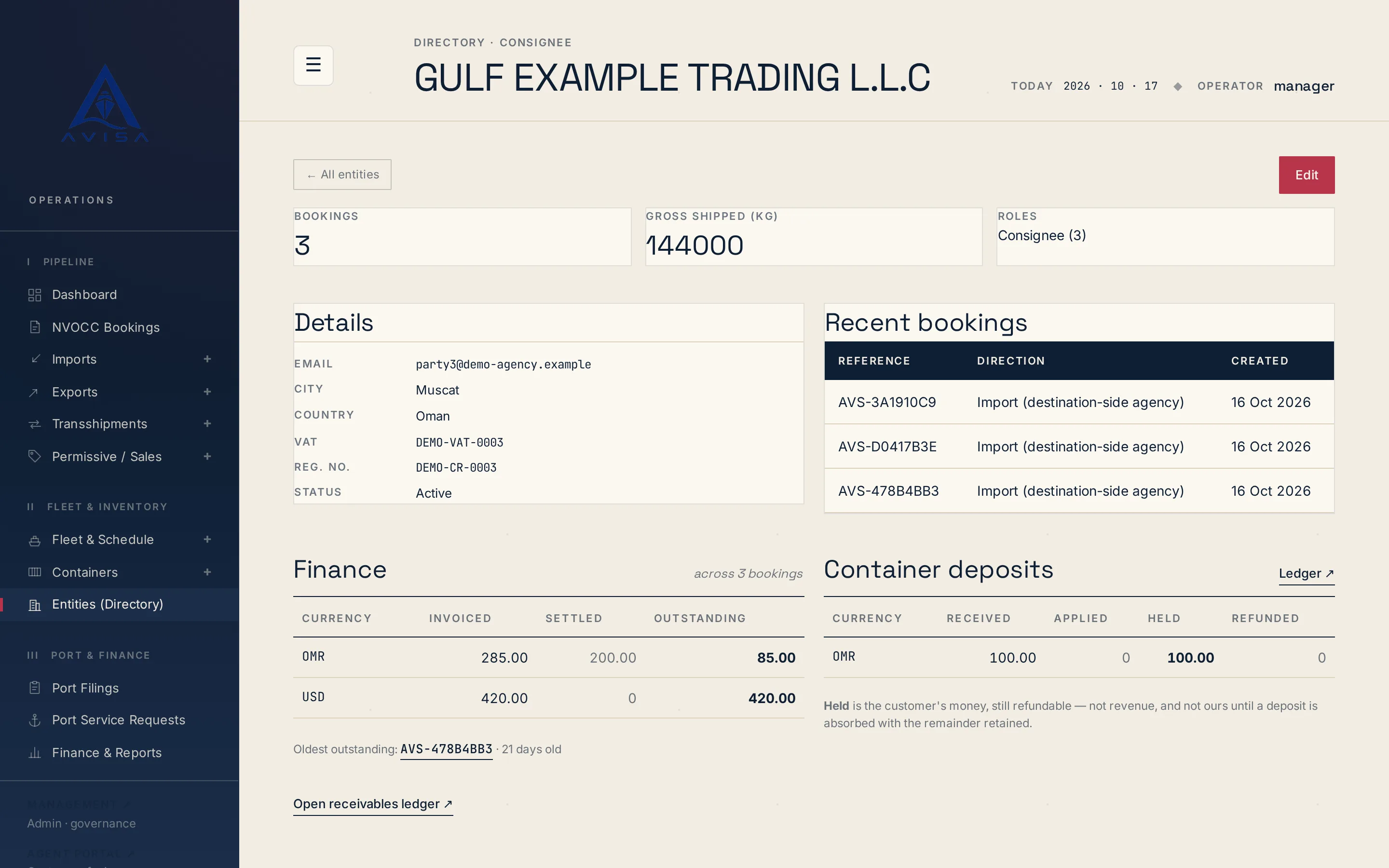
Keep each shipper, consignee and forwarder once, with VAT, registration number and address. Booking forms fill from it and likely duplicates are flagged.
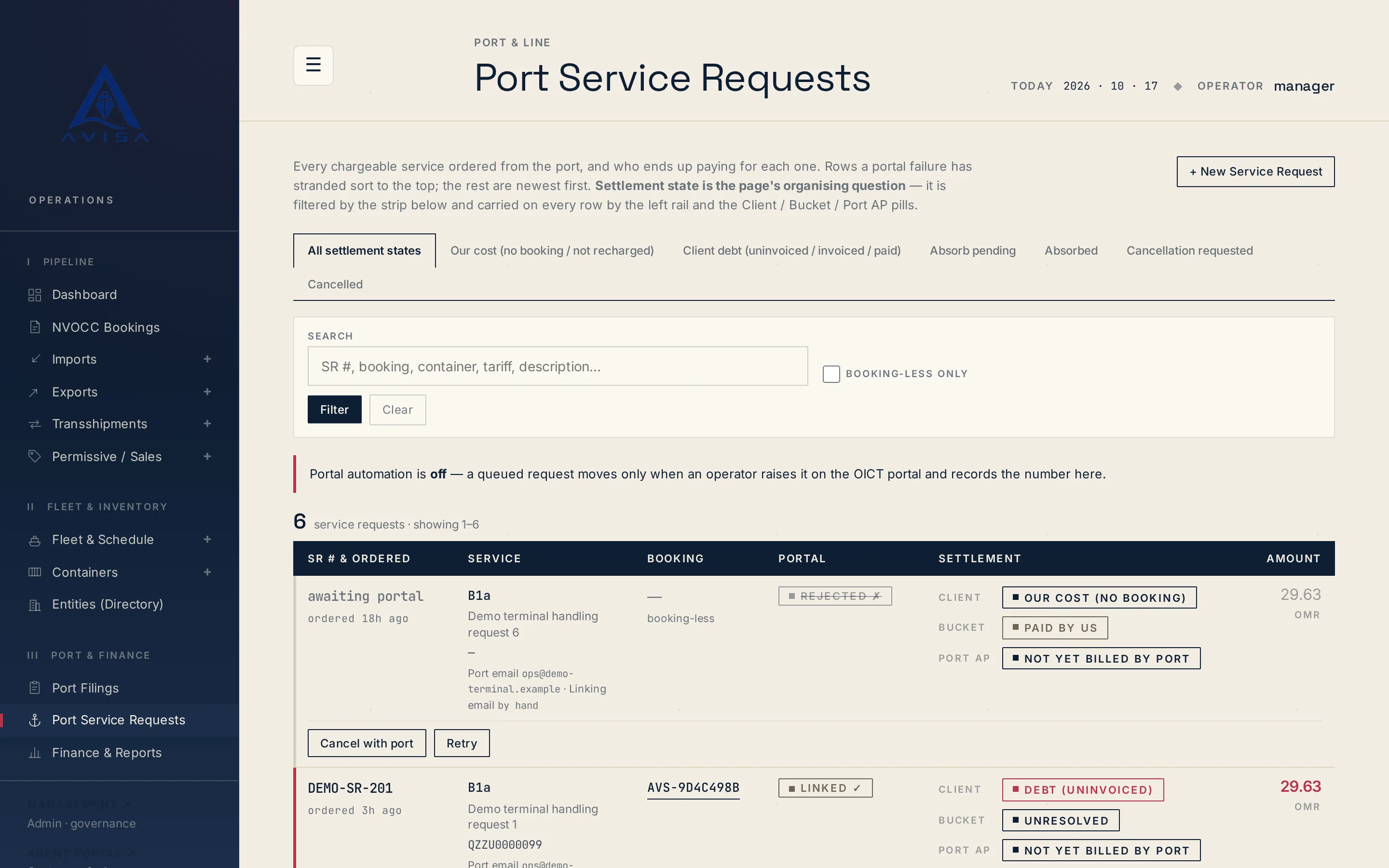
Raise OICT terminal service requests on a booking, price them from the tariff, recharge the client, see who pays. Optional portal automation for checked types.