
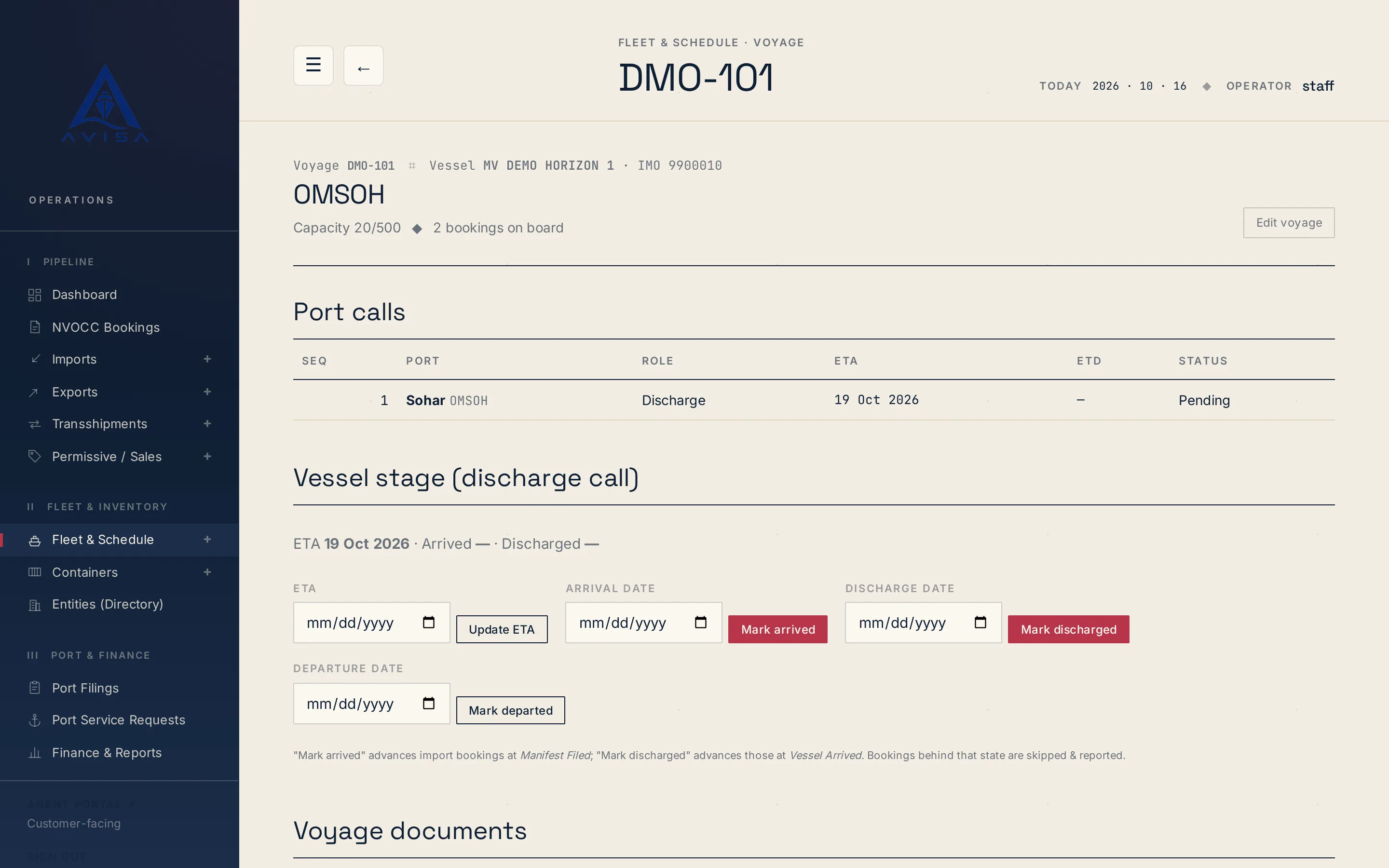
Bayan manifest
AVISA fills the Bayan cargo manifest workbook for each vessel arrival from your bookings, shows the filing deadline and marks land-transit cargo as Transit.
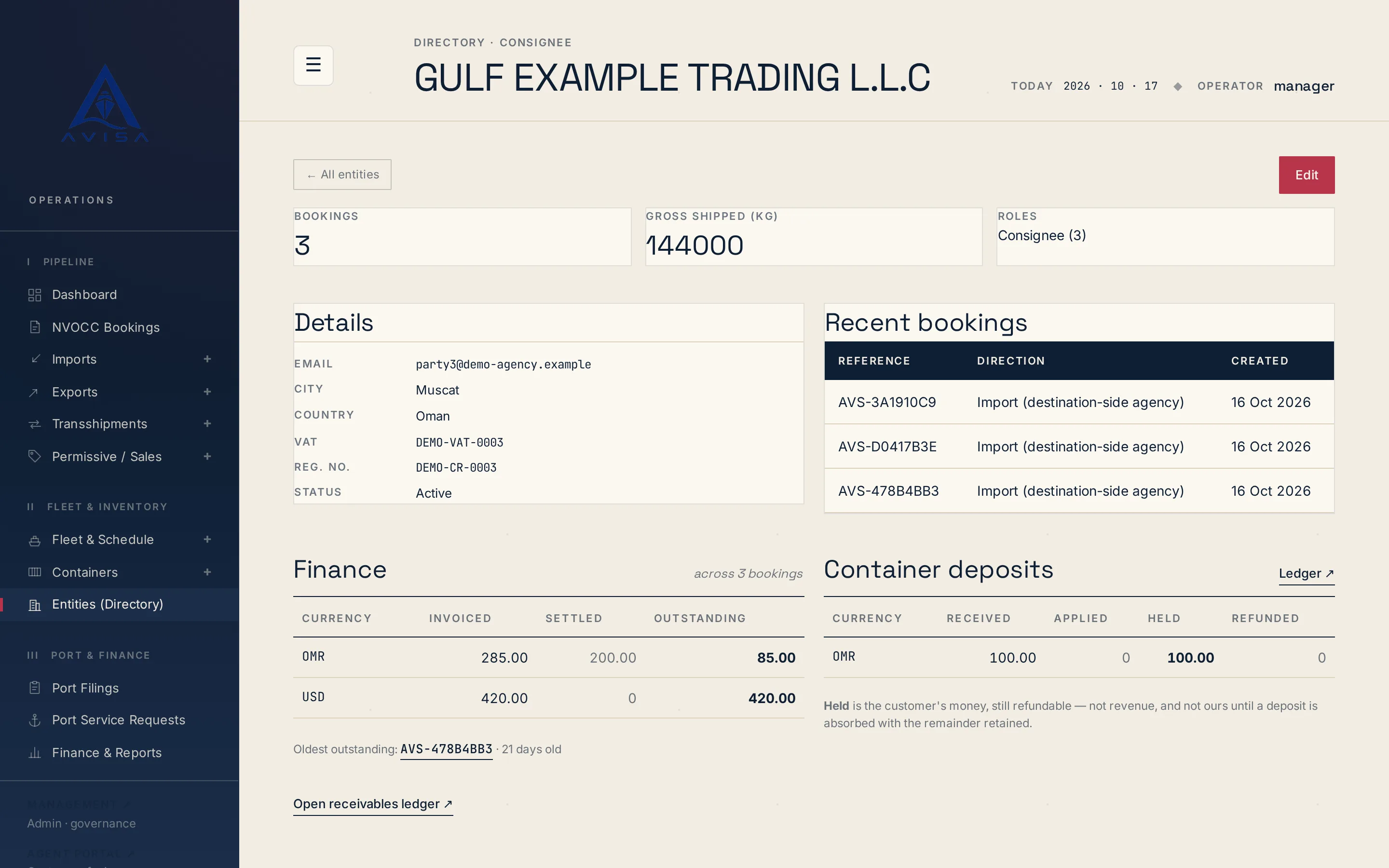
Your team files each shipper, consignee, forwarder, notify party and agent once in AVISA's directory. An entry holds the company's type, emails, phone and full address, its VAT or tax ID, its registration number and remarks, which print in the company's party block on the bill of lading.
City and country are required, because both go into manifests and the electronic delivery order (eDO). The VAT field holds the Oman VAT number format, and the registration number feeds the manifest party blocks. The Bayan manifest is filled from the same bookings and parties.
Each entry shows the company's bookings, the total gross weight shipped, the roles it plays and its recent bookings. To stop using an entry, untick Active. AVISA retires it instead of deleting it: it leaves the search and the pickers but stays on record, so old bookings keep their link.
You search by name, email, city, country, VAT or registration number, and narrow the list by type, country and standing: active, retired or all. Name search ignores dots, spacing and words like LLC, so a short form still finds the full name.
Before saving a new entry, AVISA warns if the name looks like one already filed, and lists the possible matches with how many booking parties each has. You open the existing one or confirm the new one, so one customer is not split across spellings.
Each party block on the booking forms (shipper, consignee, notify party and forwarder) starts with a directory search. Pick a company and AVISA fills the name, city, country, email, phone, VAT and registration numbers, address, extra emails and remarks. It does not matter which of those types a company was filed as, so the shipper on one booking can be the consignee on the next.
The booking keeps its own copy of each party, so later directory edits never change a booking or an issued document.
When a name is typed by hand, AVISA links it on save to the entry with the same name, ignoring dots and legal-form words. When nothing similar exists, it files a new entry and tells you in one line what it did. When the match is not clear, it leaves the name unlinked and says which entry it resembles.
A directory search also lists matching company names typed on bookings but never linked to the directory, with their roles and bookings. You add the company, with the form filled from the latest booking, or link its bookings to the entry AVISA points to.
Linking goes through a confirmation page listing each booking, its role and the name as typed. Rows whose legal form differs from the entry, such as FZE against FZC, are flagged and left unticked. A link needs an exact name match and a person's tick, and by default a manager makes it. AVISA refuses to link while another entry could equally be meant, and asks you to merge the duplicates first. Each link is recorded in the booking party's change history.
When one company has crept in under several spellings, a duplicate report lists the likely groups and a person decides each merge. It is a server command, run by whoever runs your server; there is no merge screen. It prints the plan for the groups you approve and writes nothing until you confirm. Then it moves everything that pointed at a duplicate onto the entry you keep, and retires the duplicates instead of deleting them.
For users with billing access, each entry has a Finance panel: invoiced, settled and outstanding per currency, and the oldest unpaid invoice with its age in days. Beside it are the container deposits received, applied, held and refunded, and the payments grouped by where they were paid. A Ledger link on each panel opens the rows behind its figure.
A totals strip above the filters shows open receivables, deposits held and amounts paid direct to the line for the filtered entries. Every figure stays in its own currency, so none depends on an exchange rate someone picked. Money follows who was billed: a foreign shipper that is only a party to a booking does not carry its consignee's debts. Only bookings whose billed party is linked to the entry count here, which is why linking matters.
To see the directory on bookings like yours, request a demo.
AVISA fills the Bayan cargo manifest workbook for each vessel arrival from your bookings, shows the filing deadline and marks land-transit cargo as Transit.
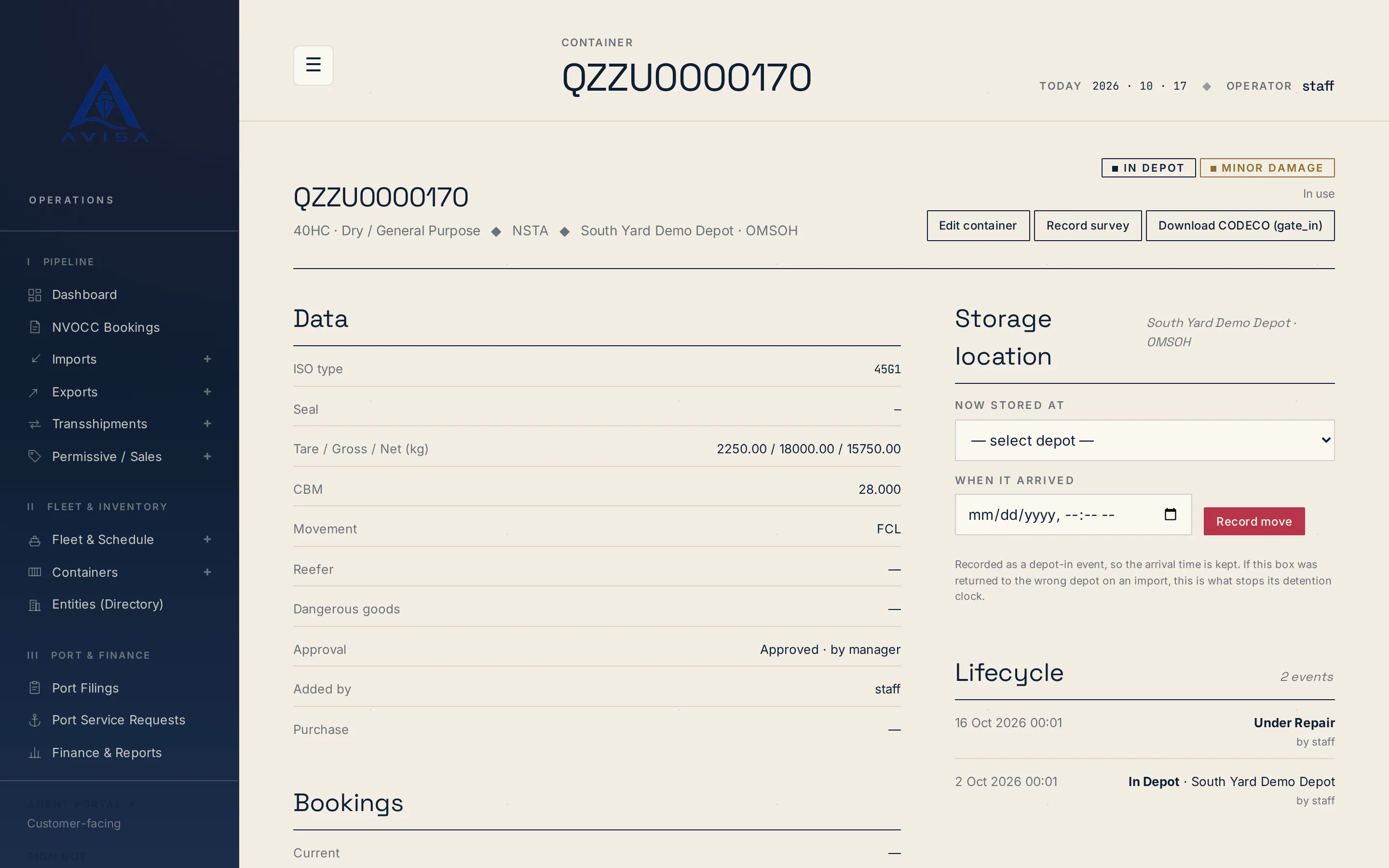
Download container repair estimates as DESTIM files and gate-in, gate-out or post-repair moves as CODECO files, built from your AVISA records. Download only.
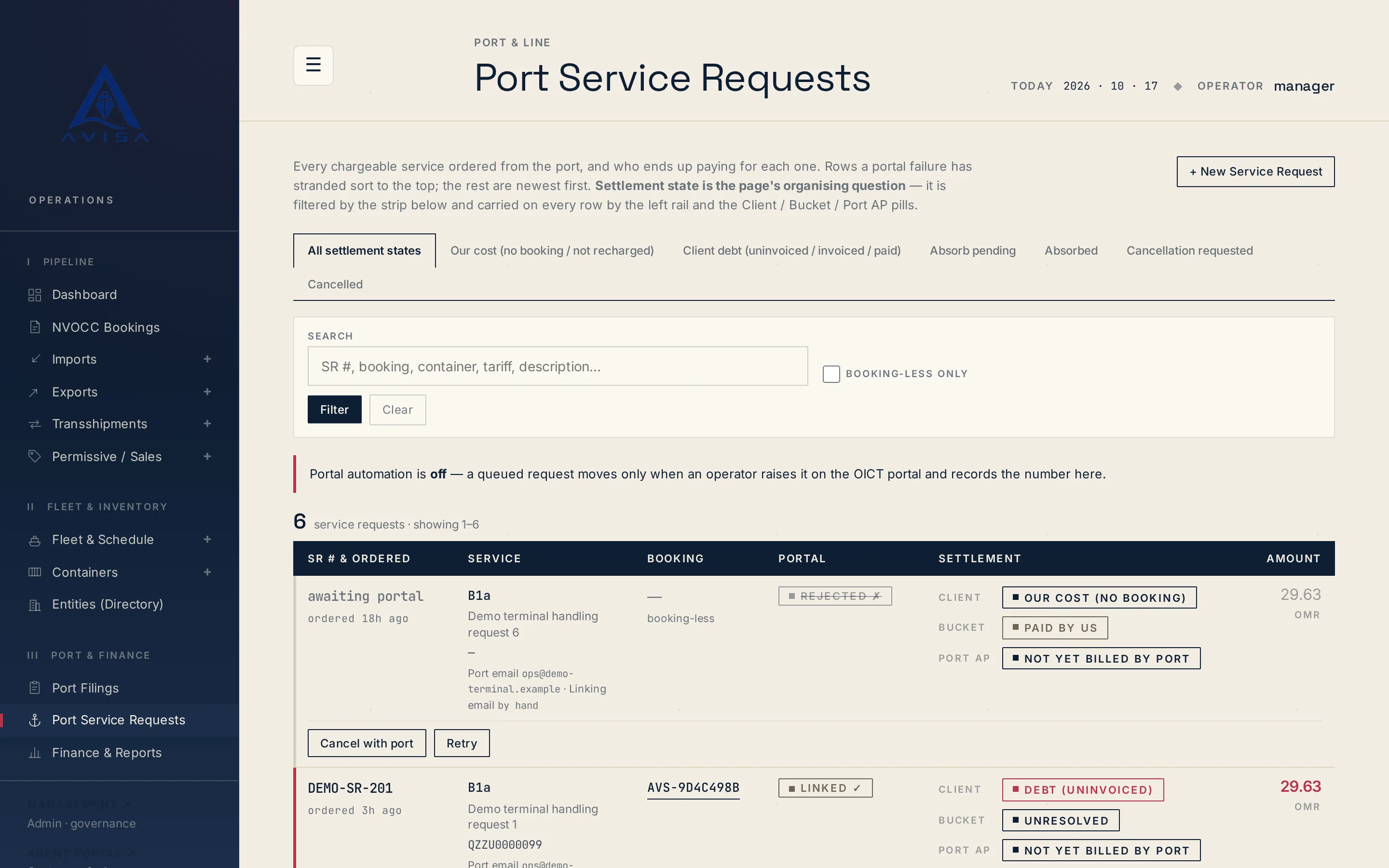
Raise OICT terminal service requests on a booking, price them from the tariff, recharge the client, see who pays. Optional portal automation for checked types.