
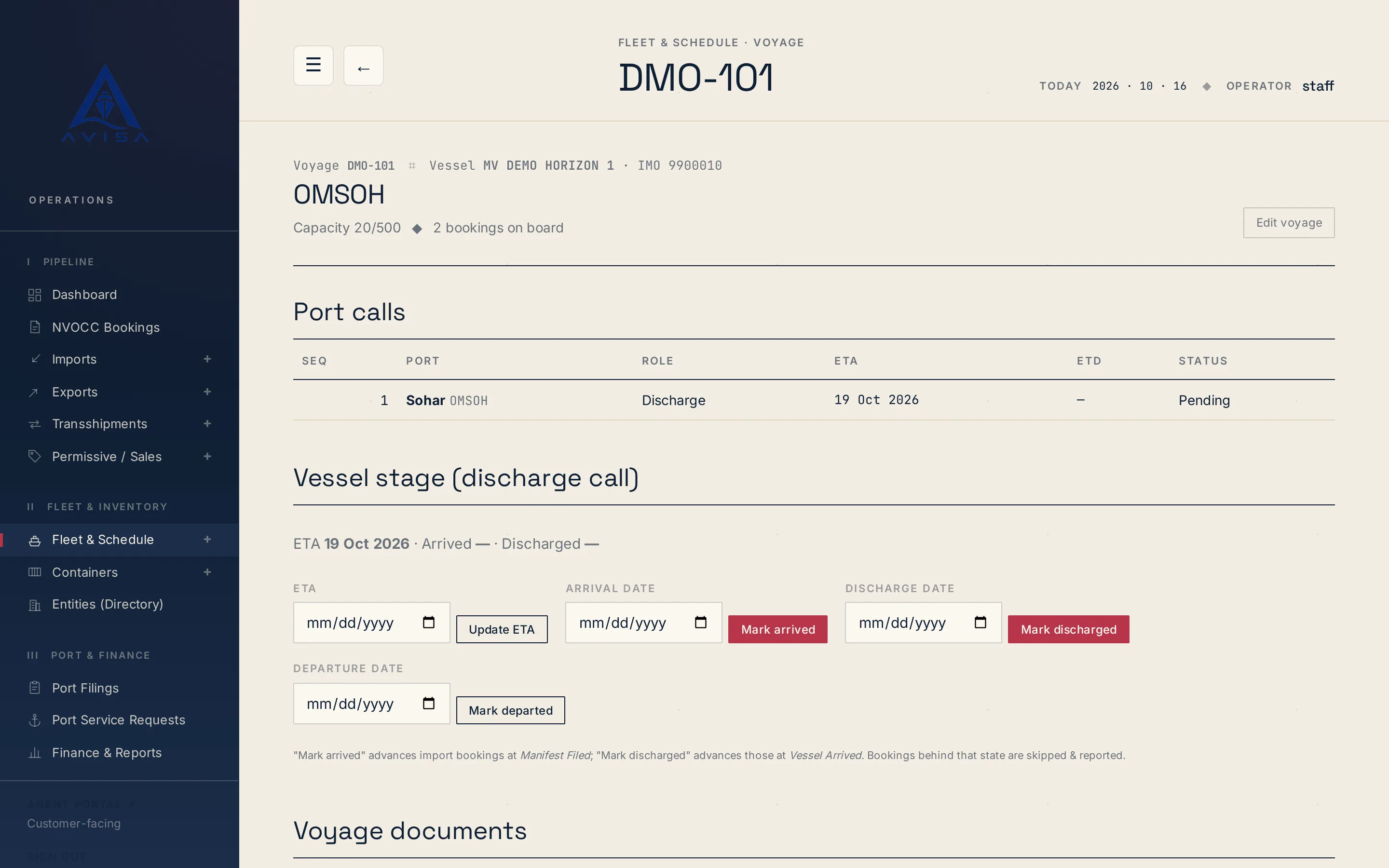
Bayan manifest
AVISA fills the Bayan cargo manifest workbook for each vessel arrival from your bookings, shows the filing deadline and marks land-transit cargo as Transit.
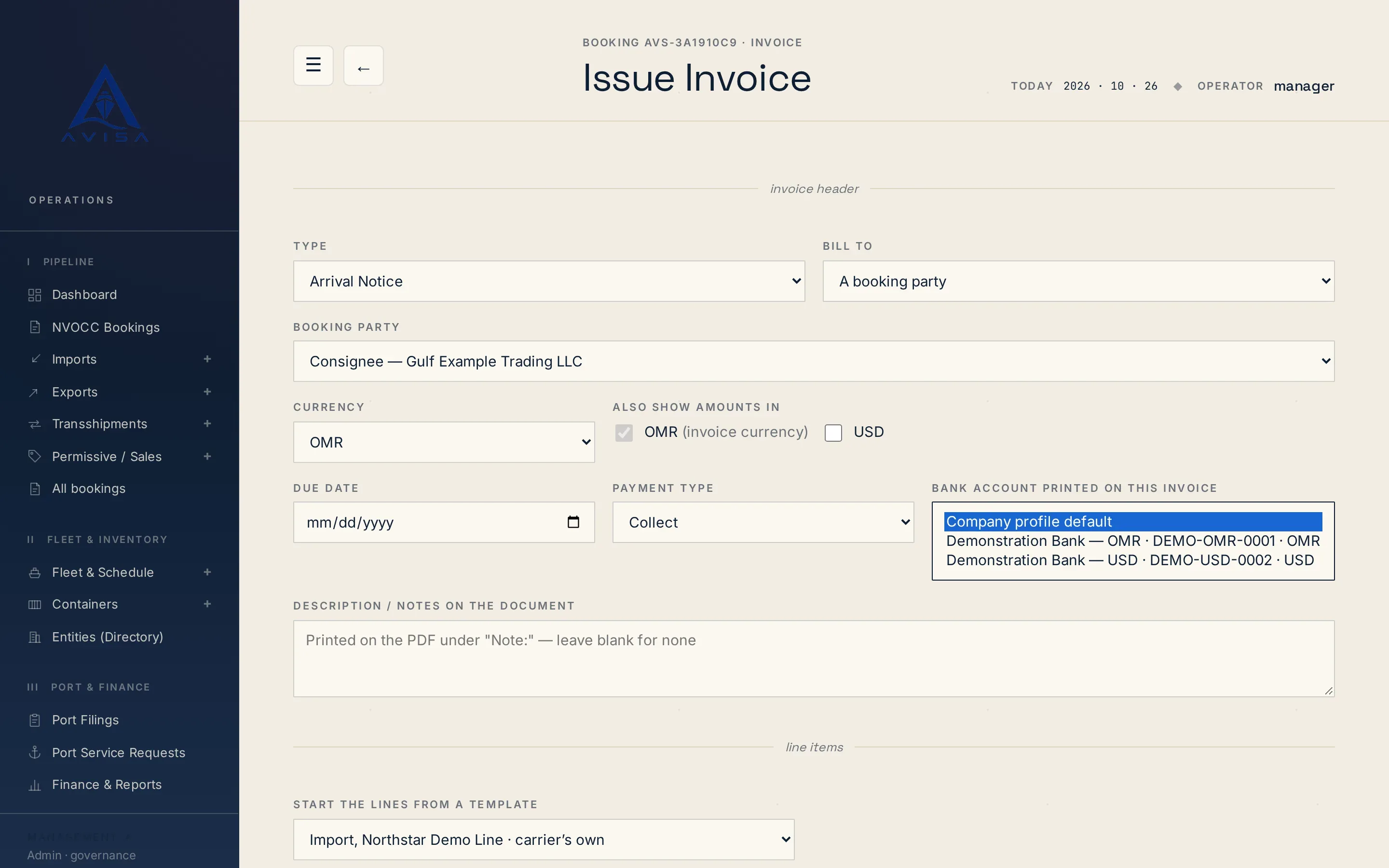
Every line your team adds to an invoice by hand is picked from one charge catalogue. Each charge has a name, a default rate, a currency, a VAT % and a kind, such as freight, terminal handling (THC) for import or export, B/L fee, delivery order (DO) fee, port recharge or other. A line takes its kind and default VAT from the catalogue, so THC charges and DO charges are classified the same way on every invoice.
AVISA refuses a line that is not in the catalogue and names the closest charges. It refuses the same charge under a second spelling, such as LOLO and LO-LO, and lists similar names before a new one is added. Staff can add a missing charge without leaving the invoice. When the shipping line's agency agreement sets a contract price, the picker offers it. A changed rate is allowed and marked as differing.
Templates hold the charges an invoice type usually carries, for every shipping line or just one. Each template line is billed once per booking, per container, per 20ft or per 40ft box, counted from the booking's containers. The first invoice of a type starts from a matching template, the shipping line's own first.
Your team issues arrival notice, import, export and transshipment invoices from the booking, as many as the job needs, with one live arrival notice per booking. AVISA offers the booking's unbilled port service recharges as lines. It stops an invoice the booking's stage or direction does not allow; ticking "Issue anyway" issues it, marked as out of sequence. A second invoice of the same type with the same charges is refused, unless a manager gives a reason, which is logged. Each invoice takes a due date, prepaid or collect terms and a note. Saving it numbers it and writes its PDF; there is no draft stage.
Nothing is sent to the customer automatically.
An invoice can be billed to the consignee, shipper or forwarder on the booking, to a company from the customer directory, or to a typed name with address, VAT and registration number. The invoice prints the bank account your team picks, or the company default. The addressee and bank details are frozen at issue, and the invoice register flags invoices whose bill-to no longer matches the party.
The PDF prints your company details and VAT number, the bill-to, the shipper and consignee, the vessel, voyage and ports, and each container with its seal. Each line shows quantity, rate, currency, amount, VAT % and VAT amount, then the total excluding tax, the VAT total and the grand total; OMR invoices add the amount in words. Arrival notices print as "Cargo Arrival Invoice" with the empty-return depot, or titled "Tax Invoice" from the same record; other invoices print as "Tax Invoice". Storage charges priced by AVISA add a page showing the calculation.
Each line keeps the VAT % of its charge, which your team can change, and a typed 0 stays 0, so the same invoicing works with any country's VAT rates. VAT is worked out line by line, so the invoice total is the sum of its lines. AVISA applies the rates you set; it does not decide VAT treatment. Tax filings differ by country: Oman's pack adds a VAT return workbook filled from your invoices and the supplier bills recorded in AVISA, for your team to check and file, and another country's filings are built in its country pack.
Invoices your team issues can be in OMR, USD, EUR or AED, or any other currency once a rate for it is on file. A manager enters rates with an effective date and a source; correcting one saves a new version. There is no live rate feed. An invoice can show its amounts in extra currencies, each on its own PDF page, at a rate frozen at issue. Balances stay per currency and are never added together.
A manager corrects an issued invoice by saving a new version with a reason. The earlier version is kept; the customer's PDF keeps the same invoice number and issue date, each version gets its own internal reference, and the booking shows who changed it and why. There is no credit note document. A manager can cancel an invoice once its payments are voided.
Your team records each payment against its invoice, with its method, the bank account that received it and the payer's reference. Money received in another currency is recorded beside the invoice amount, with the rate the two figures give. Part payments count, and the booking shows invoiced, paid and balance per currency. There is no online payment or bank feed, and a wrong payment is never edited: it is voided and stays on record, marked void.
A manager marks a payment verified; an unverified one still counts toward the balance. If the customer paid the shipping line directly, verifying records it as paid to the line under its agency agreement. An overpayment can be refunded only net of anything still owed on the booking in that currency, with the bank or cheque reference. These are manager actions by default.
The finance summary shows receivables outstanding per currency, the oldest unsettled invoice and its age, the bookings that owe the most, credit balances and deposits held.
The invoice register lists every current invoice under the number your customer knows. Search by invoice number, booking or bill-to name, filter by status, type, currency, line, dates or overdue, and export the filtered list to Excel. Overdue is worked out from the due date; nobody is chased automatically. For each shipping line, an Excel aging groups its open invoices by 0 to 30, 31 to 60, 61 to 90 and over 90 days since issue, as at today.
AVISA's screens and documents are in English.
Only at set steps. Import detention is invoiced when the empty return is recorded, export origin storage and transshipment storage when the booking is marked loaded, and, if you switch it on, detention with the delivery order; these bills are in OMR. The freight invoice is raised when your team issues the bill of lading with freight charges. Your team issues every other invoice from the booking, and nothing is sent to the customer automatically.
Yes. An invoice your team issues can be in OMR, USD, EUR or AED, or any other currency you hold an exchange rate for, and can show its amounts in a second currency at a rate frozen at issue. The storage and detention bills AVISA raises from recorded events are in OMR.
A manager edits it with a reason. AVISA saves a new version, the customer's PDF keeps the same invoice number, and the earlier version stays on record. There is no credit note document. To cancel an invoice, any payments on it are voided first.
No. AVISA has no payment gateway or bank feed. Your team records each payment against its invoice after the money arrives, with the method, the reference and the bank account it reached.
Each charge carries the VAT % your team sets, so it works with any country's rates, and every invoice line shows its VAT % and amount. AVISA applies those rates and does not decide VAT treatment; your accountant does. Oman's pack adds a VAT return workbook for your team to check and file.

Amirh. Safavi
Founder of BudTech
Amirh. Safavi is the founder of BudTech LLC, the IT and software company in Muscat that makes AVISA.
More from Amirh. SafaviAVISA fills the Bayan cargo manifest workbook for each vessel arrival from your bookings, shows the filing deadline and marks land-transit cargo as Transit.

AVISA's core runs the same for any shipping agency. Customs, terminal and tax filings come in a country pack: Oman's is built in, and yours is built for you.
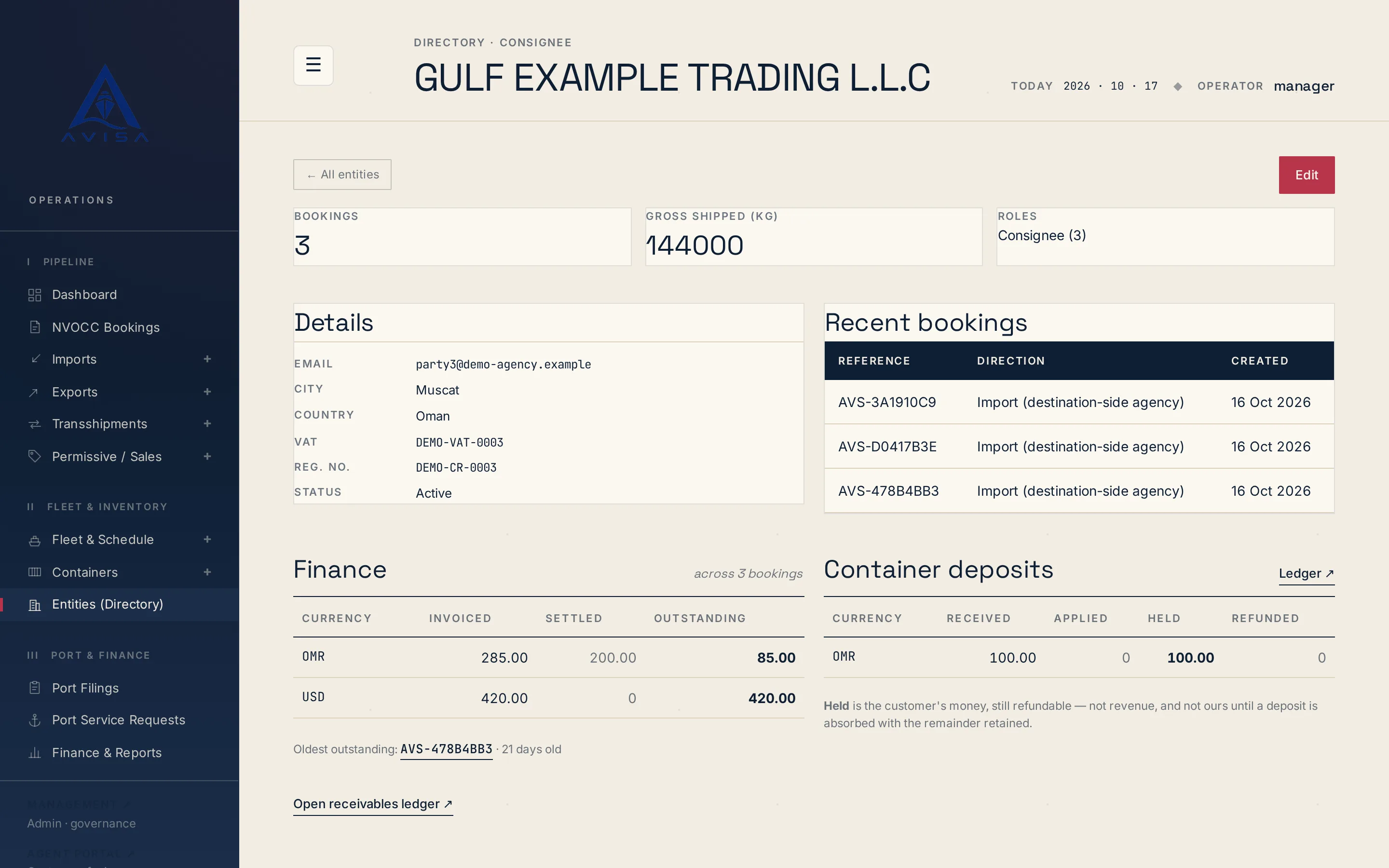
Keep each shipper, consignee and forwarder once, with VAT, registration number and address. Booking forms fill from it and likely duplicates are flagged.
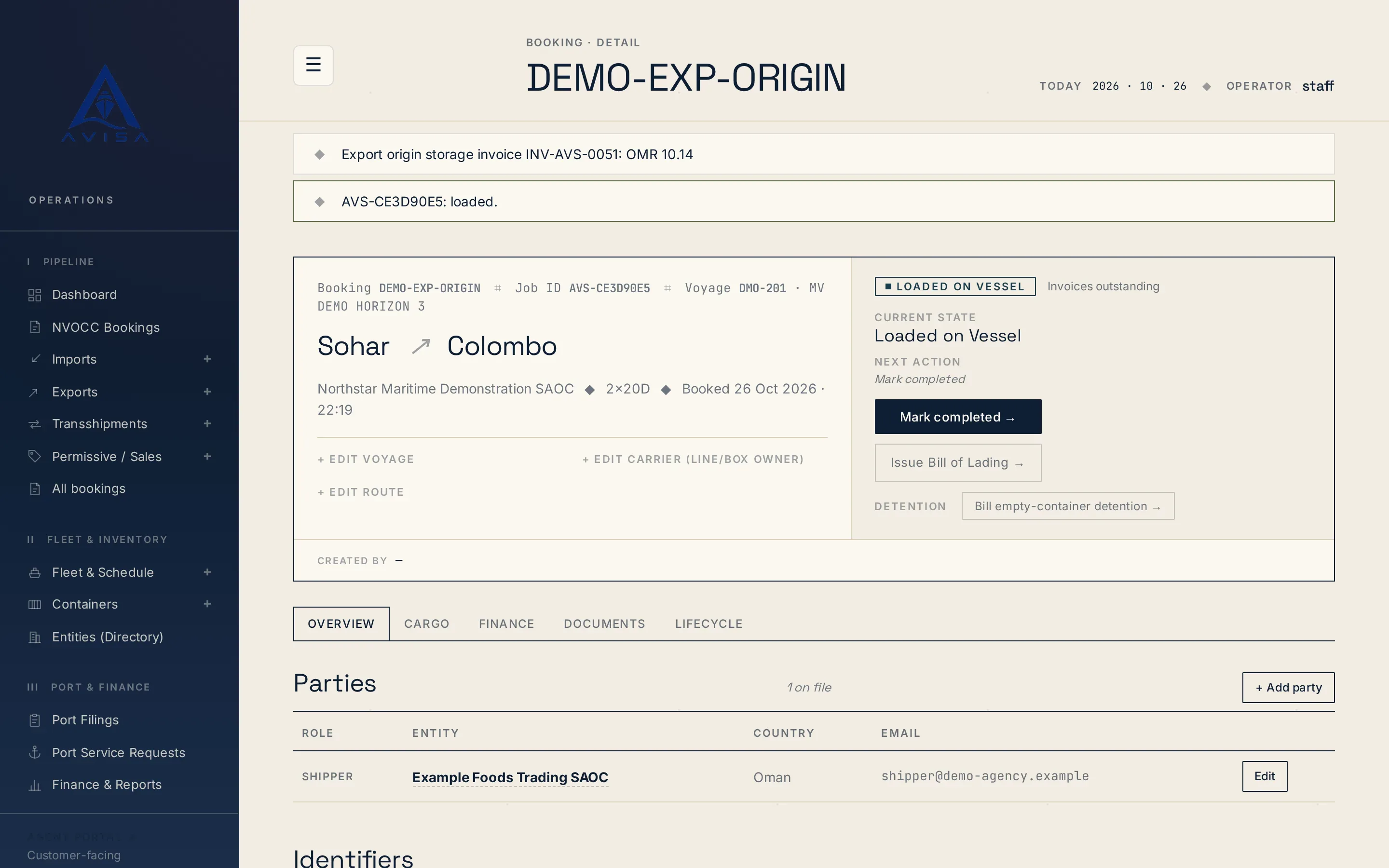
AVISA times demurrage and detention per container from its own gate times, prices each window on rate tables you keep and prints the working on the bill.
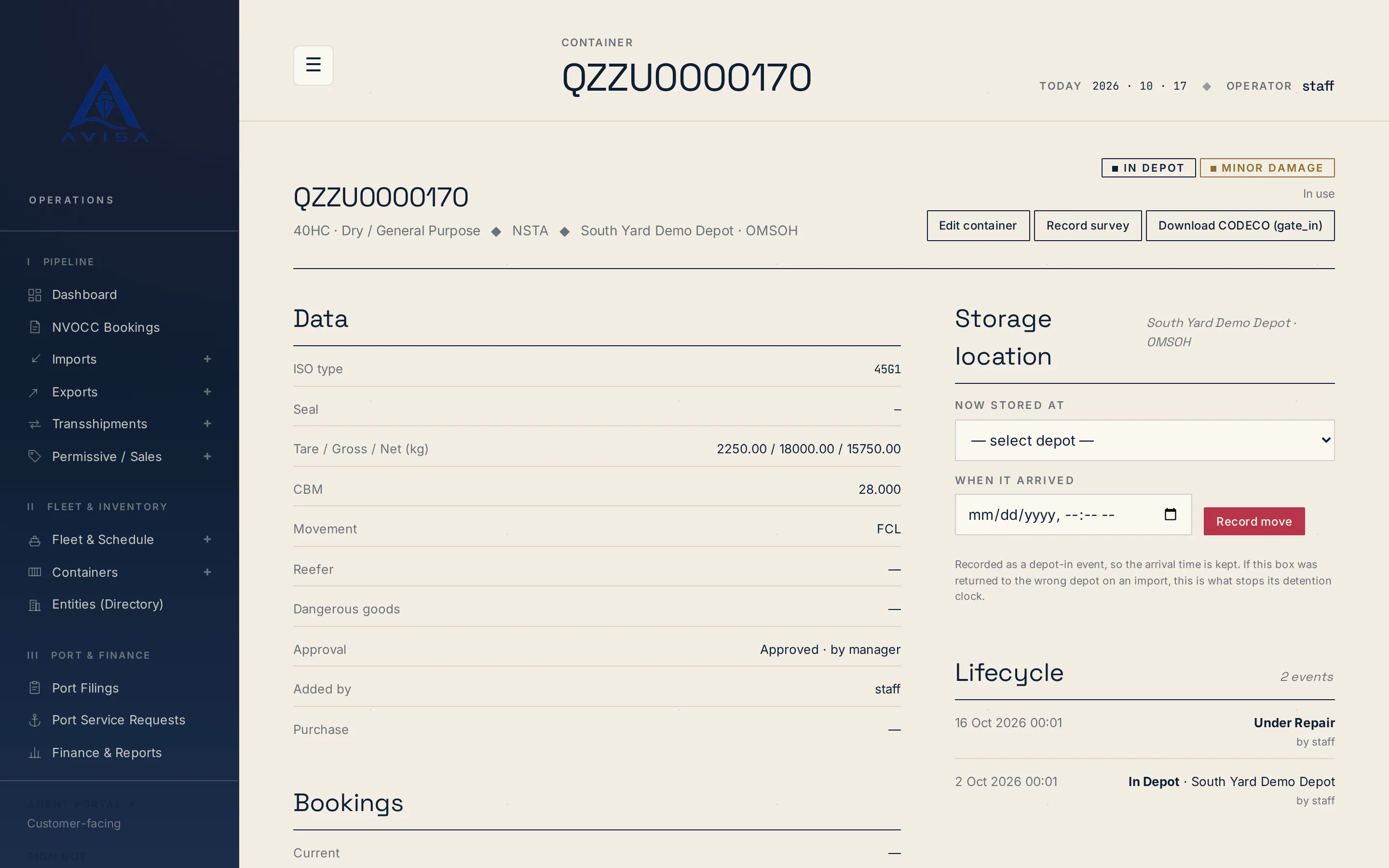
Download container repair estimates as DESTIM files and gate-in, gate-out or post-repair moves as CODECO files, built from your AVISA records. Download only.
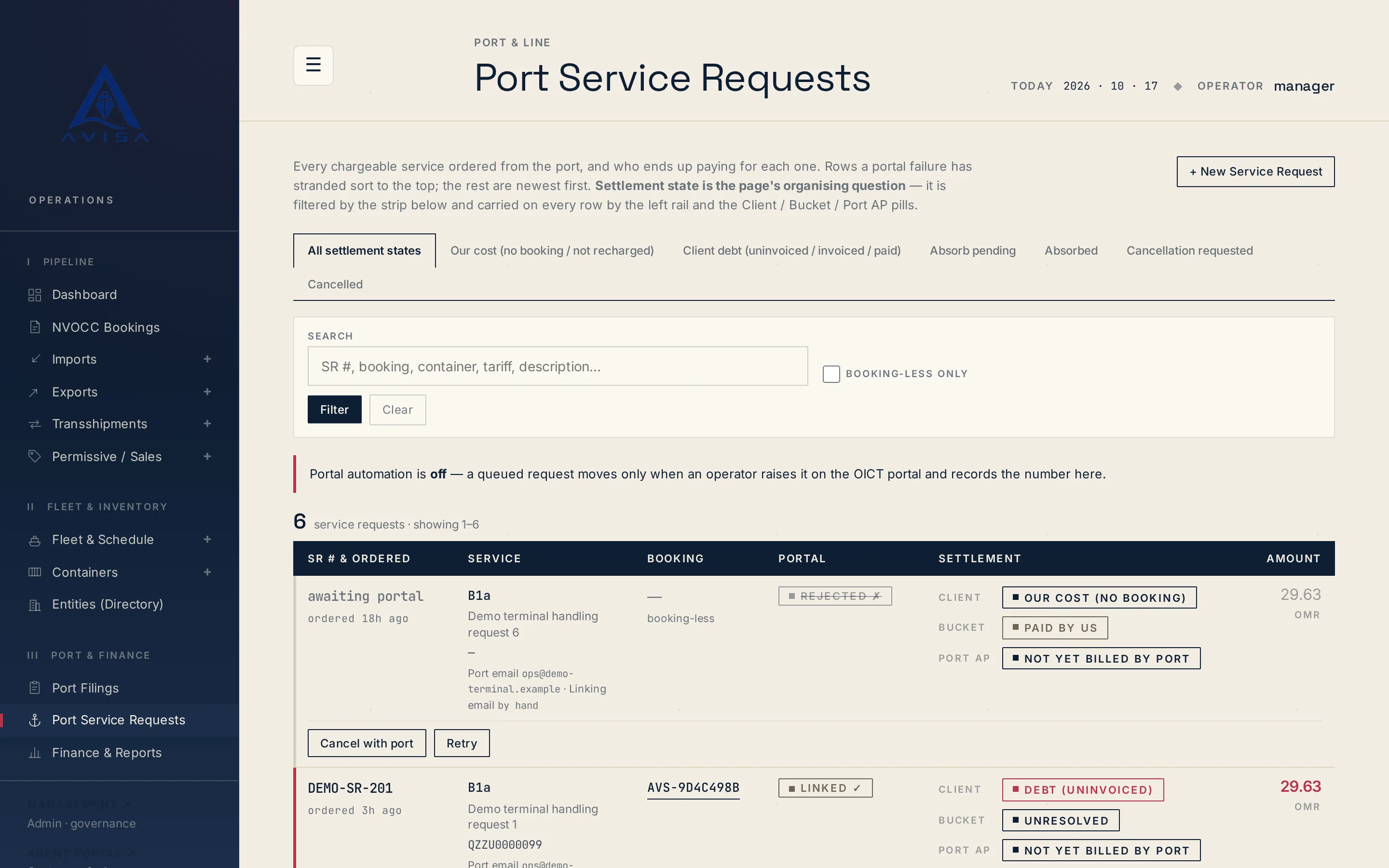
Raise OICT terminal service requests on a booking, price them from the tariff, recharge the client, see who pays. Optional portal automation for checked types.
Send us the details and we’ll get back to you.