
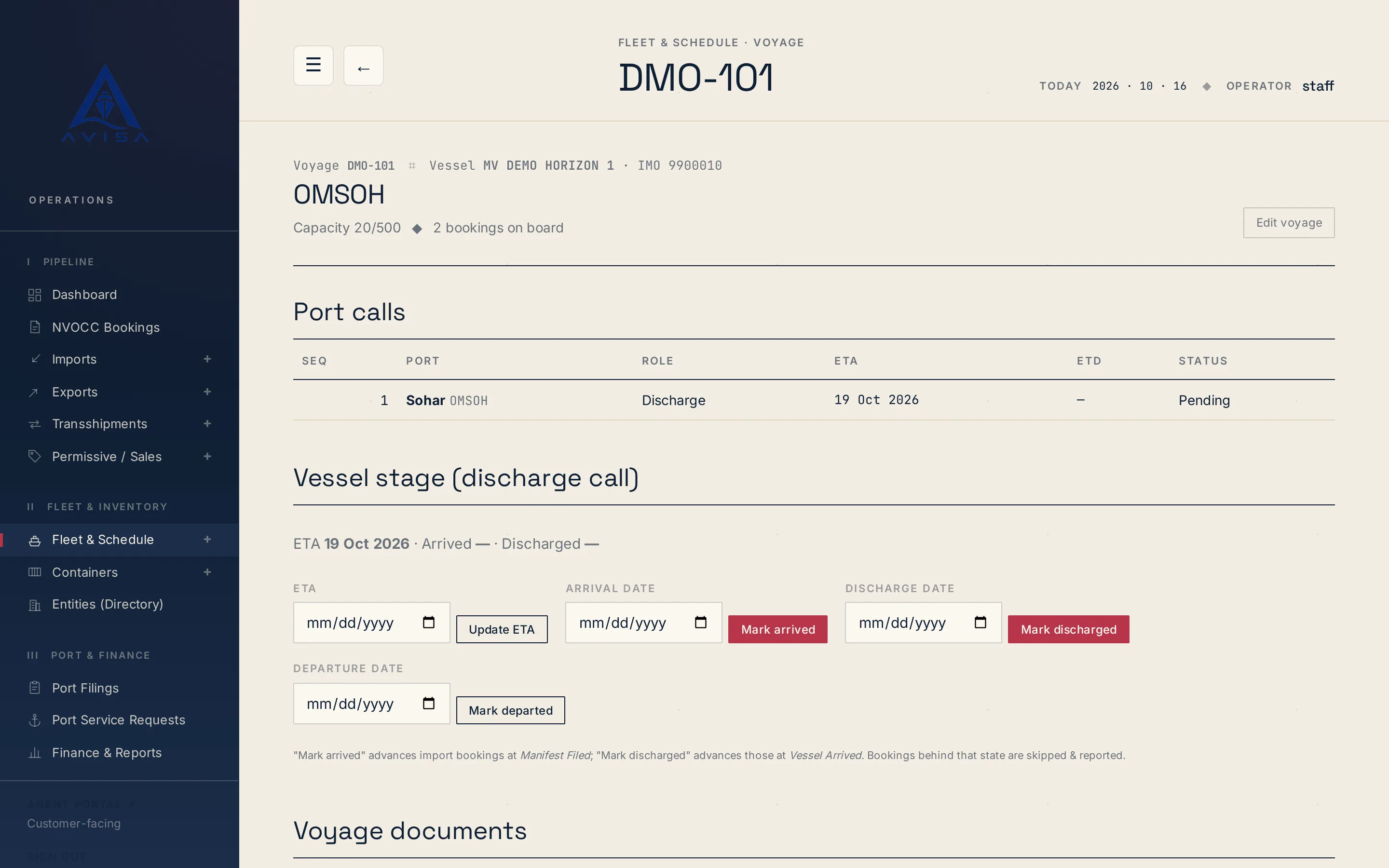
Bayan manifest
AVISA fills the Bayan cargo manifest workbook for each vessel arrival from your bookings, shows the filing deadline and marks land-transit cargo as Transit.
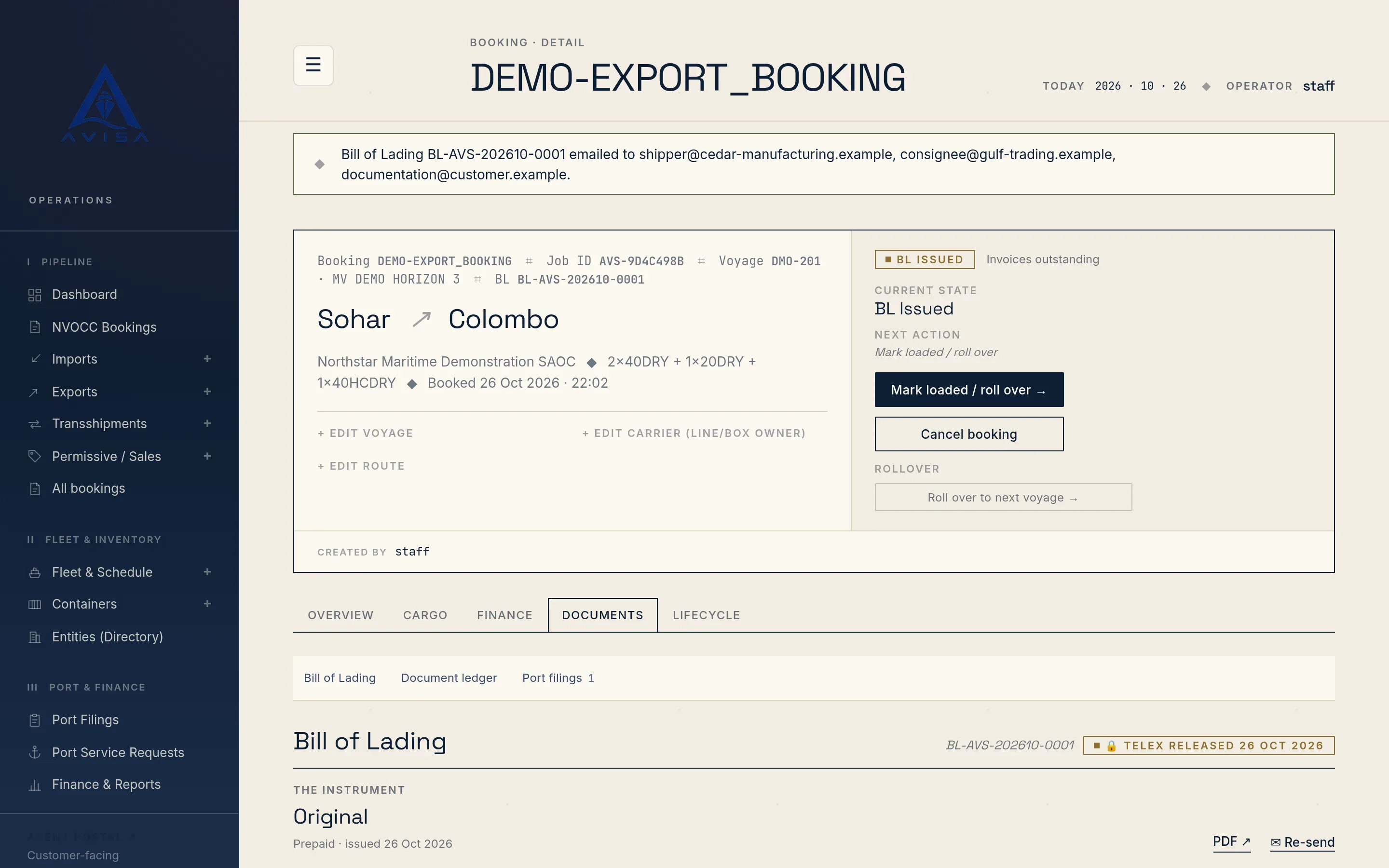
AVISA builds each shipping document from the booking your team already keeps: its parties, route, vessel and voyage, containers and cargo. The release order, the bill of lading and the delivery order draw on those same facts, so nothing is typed twice. Shippers, consignees and notify parties are picked from the customer directory.
AVISA's screens and documents are in English, and the documents are not tied to one country; customs and terminal filings change from country to country and come in country packs.
Each quote issued gets a quotation PDF addressed to the booking's agent, with the vessel and voyage, dates, ports, cargo by container size, type and count, the quoted total and its validity date.
On an export booking, Issue CRO opens a short form: pick the pick-up depot from those the line's agreement names at the port of loading (or any active depot there if none is agreed), set the valid-until date and add notes. On an approved NVOCC booking, the CRO is issued in one step to the depot AVISA resolves. Either way, AVISA warns when the depot is not contracted.
The CRO lists each booked container by size and type. On the export form you can type a container number to release that exact box; blank rows print "to be assigned by depot". AVISA refuses a number already held by another active booking, unless both bookings share the box as LCL. The CRO is numbered in a monthly sequence, prints every container, and moves the booking to CRO issued.
Once the containers are at the terminal, the booking offers Issue Bill of Lading; a transshipment booking gets a through bill of lading once the box is in the yard. Each booking has one bill of lading, issued as an original in a set of three.
The shipper, consignee and notify party blocks print in full from the booking. Goods, gross weight, measurement and package count come from the booking, not retyped. On the form you set prepaid or collect, the loading date, the detention free days at destination and the delivery agent. Each container prints with its seal and weight. If you add freight charges, AVISA raises the freight invoice in the same step, and if that invoice is refused, no bill of lading is issued.
Text too long for its box continues on an attachment sheet under the same caption, with the B/L number and the page count on every sheet; the delivery order does the same with long goods text. AVISA can also print the bill of lading as text positioned for a line's pre-printed original and copy sheets; one line's form is measured so far, and another line's is added as development work.
When the shipper surrenders the originals, your team presses Issue Telex Release and confirms. AVISA stamps the date, time and user itself, so a release cannot be back-dated; pressing it twice changes nothing, and it cannot be undone.
From then on the bill of lading is locked: staff can no longer edit its delivery agent or issue date, or reissue it, while a manager still can. The telex release print, with TELEX RELEASED across every sheet, is produced only after the release is recorded, on the same stationery layouts as the bill of lading. Your team sends the telex to the destination office.
Once an import is discharged, the booking offers Issue Arrival Notice. It is issued as an invoice titled Cargo Arrival Invoice, so the notice and its charges are one document, with the vessel and voyage, the expected arrival date, the bill of lading number, the ports, the shipper and consignee, and the depot where the empty containers go back.
A booking has one live arrival notice at a time; a cancelled one can be issued again. Issuing it moves a discharged import or NVOCC booking to Arrival notice sent, the step the delivery order waits for.
AVISA refuses the delivery order until the booking's invoices are settled, or before any invoice exists. A manager can release it anyway, but only by ticking Release without settlement on the form. If the release state is On hold or Payment problem, the form warns at the top and again on submit; the warning does not block, and your team sets that state on the booking.
The consignee comes from the booking, AVISA suggests the empty-return depot, and the validity must be 1 to 60 days ahead. Once discharge is recorded, the free time granted (start, days and expiry) is recorded with the delivery order and shown on its row, not on the PDF.
While the booking is at D/O issued or Gated out, staff can extend the current delivery order up to 60 days ahead. Shortening it or changing the free time is a manager's amendment with a reason, as is moving a release order's validity. The document keeps its number and gains a revision recording what changed, who changed it and why.
AVISA compares each issued release order, bill of lading and delivery order with its booking and marks any that differ Out of date, naming the fields: the consignee's details or the destination on a delivery order, the goods, weights or packages on a bill of lading, the line on a release order. Reissue, with a reason, updates it under the same number at the next revision. Agreed terms, such as the free time or the shipped-on-board date, are flagged but never changed by a reissue.
A manager can correct a bill of lading number; a blank number or one already in use is refused. A staff change to the delivery agent waits for a manager's approval. Issue dates on release orders, bills of lading and delivery orders can be moved, keeping the time of day; invoices are excluded. Each correction is logged with the old and the new value.
Send as Mail, on the Documents tab, attaches a document's PDF and ticks the usual recipients: the shipper and consignee for a bill of lading, the shipper for a release order, the consignee and notify party for a delivery order, the billed party for an invoice. You can add parties or addresses, and every subject names the booking number. A document already emailed shows Re-send, and each email goes out when someone presses Send.
It is the document that tells a depot to release empty containers for an export booking. In AVISA it lists each booked container by size and type, names the pick-up depot and a valid-until date, and either names a specific box or leaves it for the depot to assign.
AVISA stamps the date, time and user, locks the bill of lading so that only a manager can change it, and offers the telex release print with TELEX RELEASED on every sheet. The release cannot be undone, and your team sends the telex.
Not by default. AVISA refuses it until the booking's invoices are settled, and when no invoice exists yet. A manager can release it by ticking an explicit override on the form.
Yes. AVISA issues it as an invoice titled Cargo Arrival Invoice, with the vessel, the expected arrival date, the bill of lading number, the ports, the charges and the empty-return depot. A booking has one live arrival notice at a time.
No. Each document email goes out when someone on your team presses Send. AVISA attaches the PDF, ticks the usual recipients and shows Re-send on a document already emailed.

Amirh. Safavi
Founder of BudTech
Amirh. Safavi is the founder of BudTech LLC, the IT and software company in Muscat that makes AVISA.
More from Amirh. SafaviAVISA fills the Bayan cargo manifest workbook for each vessel arrival from your bookings, shows the filing deadline and marks land-transit cargo as Transit.

AVISA's core runs the same for any shipping agency. Customs, terminal and tax filings come in a country pack: Oman's is built in, and yours is built for you.
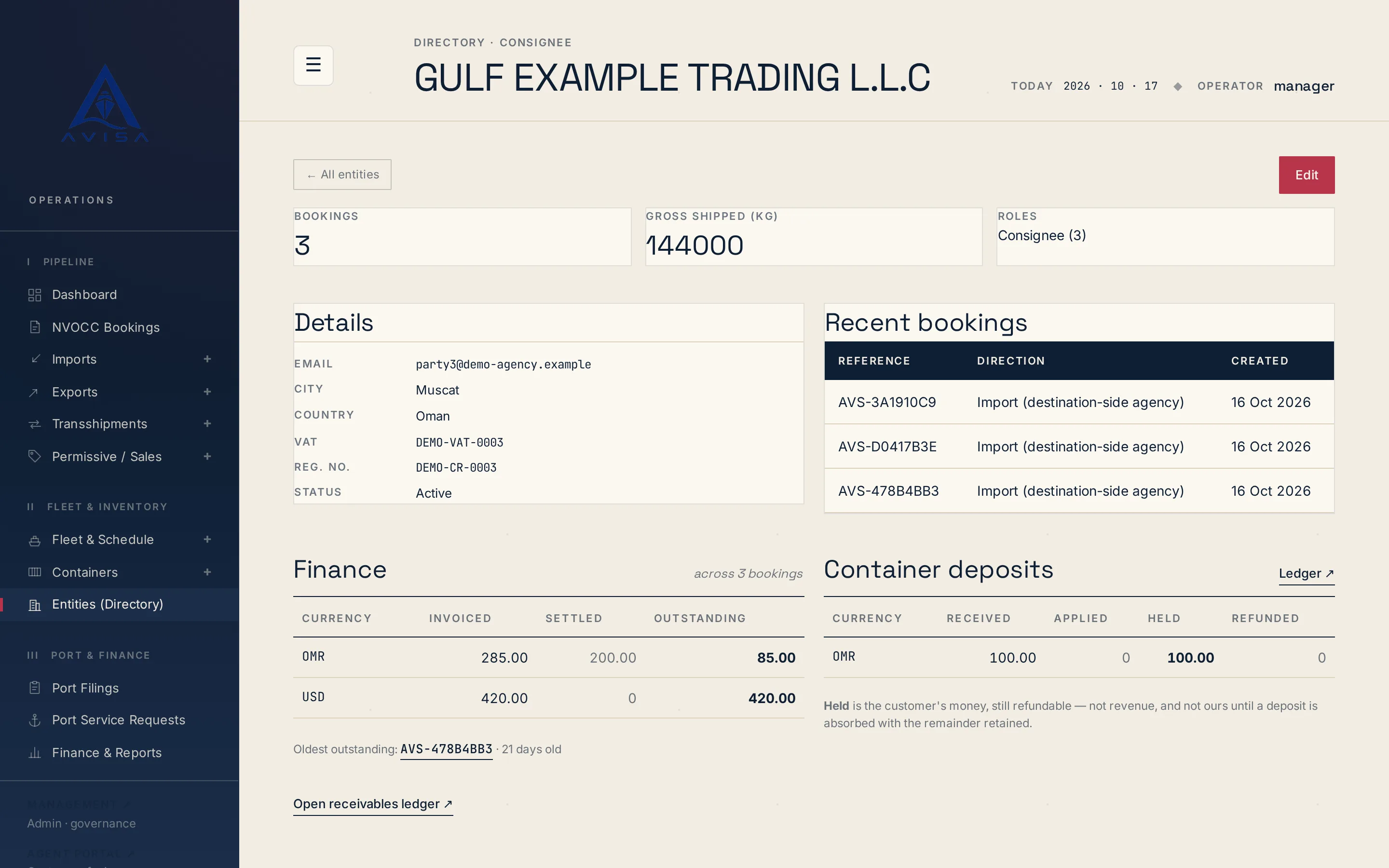
Keep each shipper, consignee and forwarder once, with VAT, registration number and address. Booking forms fill from it and likely duplicates are flagged.
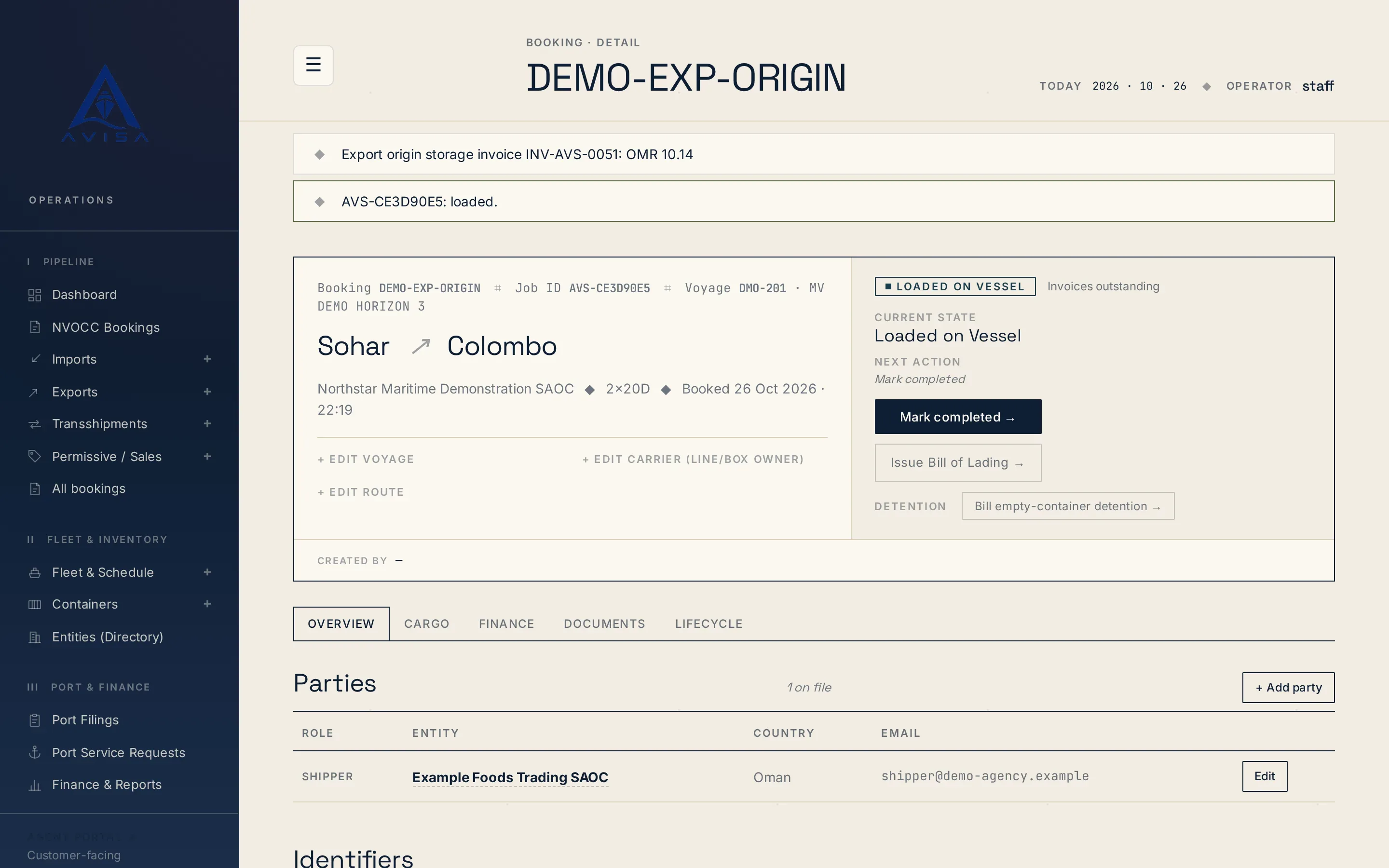
AVISA times demurrage and detention per container from its own gate times, prices each window on rate tables you keep and prints the working on the bill.
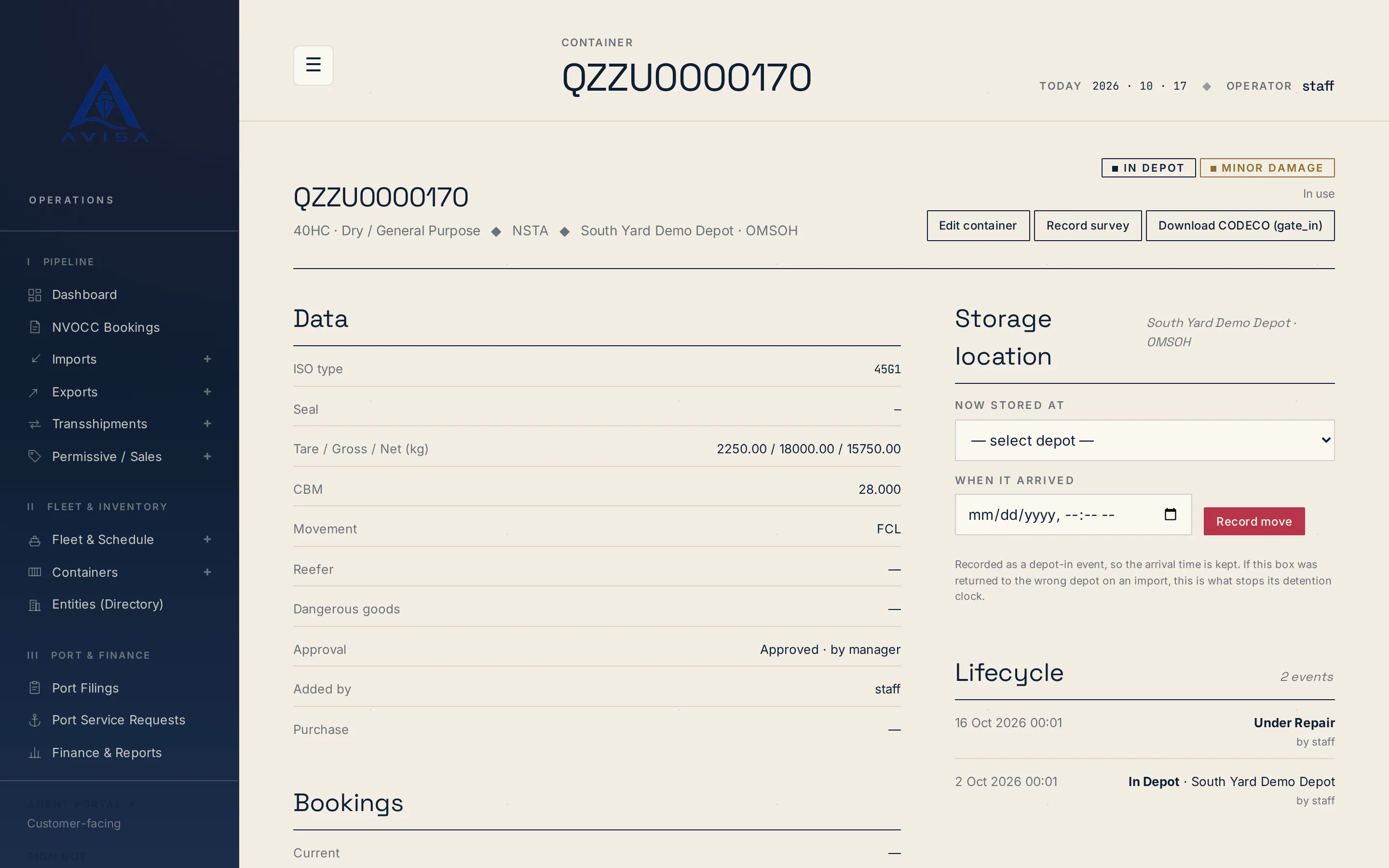
Download container repair estimates as DESTIM files and gate-in, gate-out or post-repair moves as CODECO files, built from your AVISA records. Download only.
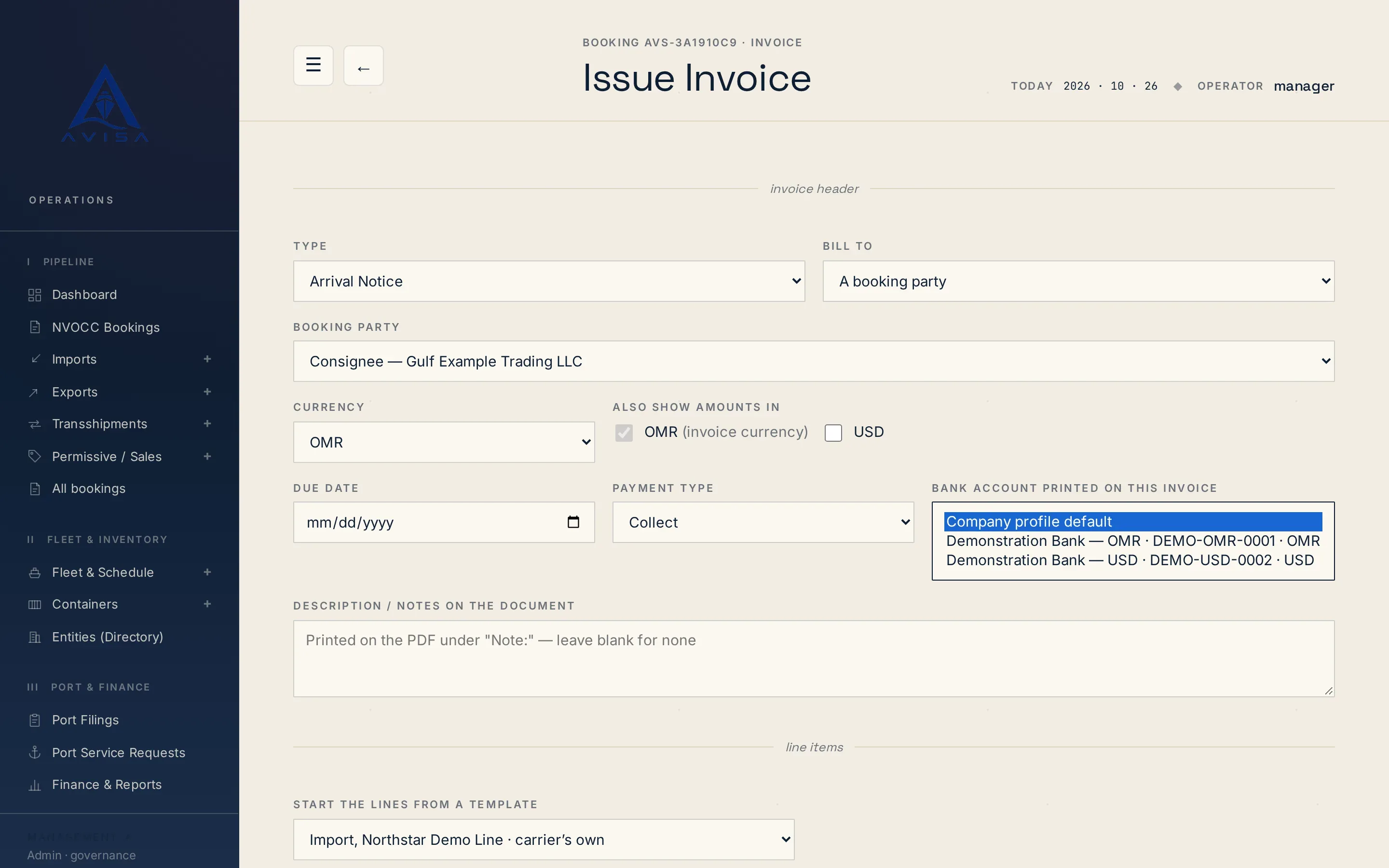
Issue freight invoices, THC and DO charges from the booking, with one charge catalogue, every correction kept, and any currency you hold a rate for.
Send us the details and we’ll get back to you.