
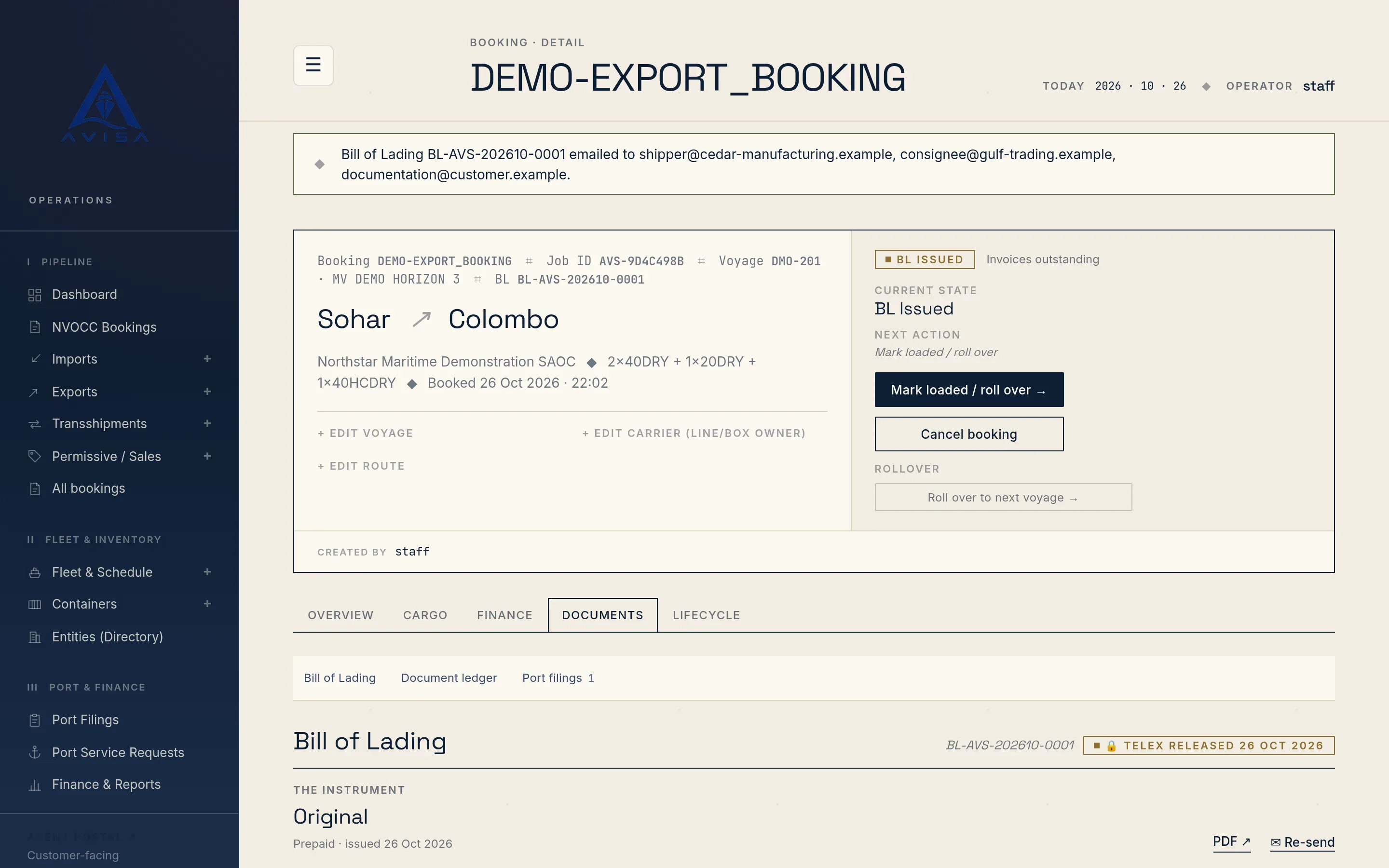
Shipping documents
Issue the container release order, bill of lading, telex release, arrival notice and delivery order from one booking, with checks before each one goes out.
Containers and maintenance
AVISA handles a container's maintenance and repair in one system: the survey, its coded damage lines, the estimate a manager approves, the repair order and, if it comes to that, condemnation. Your team records each survey on the box itself: open the container, click "Record survey", then pick the stage and the grade. The stage is gate-out, empty return, in depot or other, and the grade runs from sound through minor and major damage to uneconomic to repair. AVISA links the survey to the box's current booking by itself, and the surveyor cannot point it at another trip. A box with no active booking is surveyed on its own. Surveys are recorded by your own staff.
Each survey shows on the container's page and on the booking it belongs to, so the next trip starts from the box's real condition. The container register filters boxes by their latest survey grade, for example to list every box graded uneconomic to repair.
On the estimate page, the surveyor codes each damage line in six steps: location, component, damage type, repair method, material and responsibility. AVISA ships a starter set of codes, and a manager adds the codes your lines and depots use in the back office. Only active codes are offered, and nobody can invent a code on the estimate.
Then comes the cost: the line cost, a quantity and, if known, the labour and material cost. Damage type and responsibility are required on every line, and a negative cost is refused. The estimate total updates with every line.
Responsibility is set line by line, as owner, user, depot, terminal, third party, warranty or insurance, so one survey can split the cost between the user and the owner. A new responsibility code needs a who-pays rule before an estimate that uses it can be approved, and the back office flags any code without one.
Lines are added, never edited or removed. Survey costs are recorded in Omani rials (OMR), and surveys do not carry photos. An estimate with damage lines can also be downloaded as a DESTIM file, as explained in DESTIM repair estimates and CODECO gate moves; AVISA does not send it.
The "M&R surveys & repairs" page under Containers lists surveys in five saved views: Awaiting approval, My drafts, All drafts, Repairs open and Closed. Awaiting approval, shown to managers, holds the drafts with priced lines. Search by container number, or filter by stage. Above the list, AVISA totals the estimated cost of every priced line in the view, not only the page on screen.
A manager approves each priced estimate. Staff record and price surveys, but approval is a manager's by default, because it commits money. An estimate with no damage lines can't be approved, and an approved one takes no more lines, so each estimate is approved once and its charges are raised once. The approval is recorded with who approved it and when.
Approving raises the damage charges, grouped by responsibility code and tagged with it. A box on an active booking gets them on that booking, in its "M&R Surveys" section. Owner and warranty damage on a box your agency owns raises no charge, because the cost is yours. Recoverable damage becomes a charge on the booking, not a note someone has to remember.
Nothing is invoiced by itself, and AVISA does not bill the line for owner damage on its own: your team bills each charge on an invoice, as described in invoicing and payments. A depot, terminal or third-party share records the responsibility only, and the party is named when the invoice is issued. The booking can't be marked complete from the operations screens while a damage charge on it is not yet invoiced.
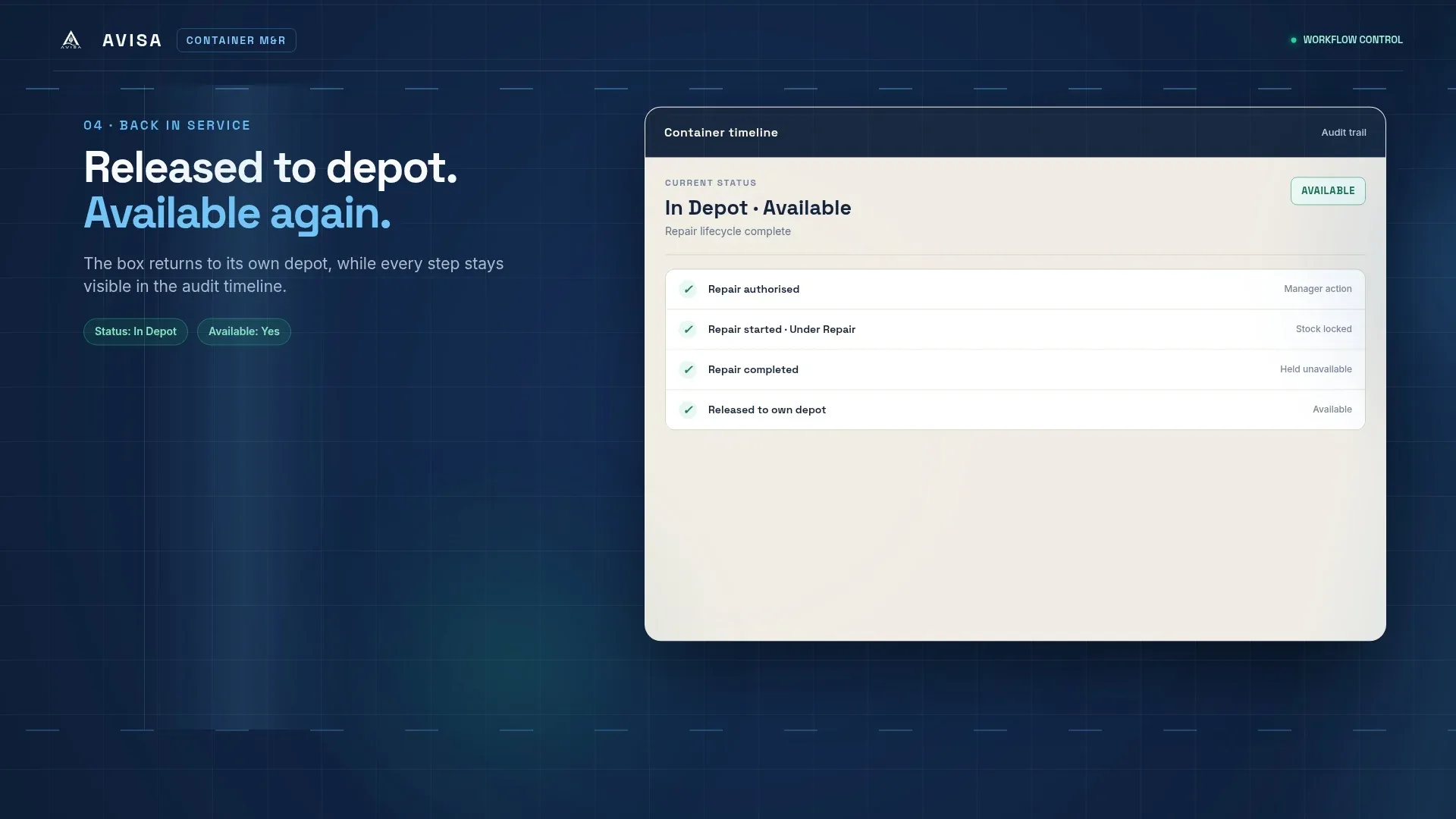
Once the estimate is approved, a manager clicks "Authorize repair" to open a repair order, so the decision to spend money on the repair stays with the manager. A box has one open repair order at a time. Staff then run the routine steps without waiting for a manager: "Start" when the box goes into the workshop, "Mark complete" when the work is done, and "Release" when it is fit to use.
Starting takes the box out of available stock and shows it as Under Repair. Marking the repair complete does not return it to stock; releasing it does. While it is under repair, a depot move is refused. Release returns the box to available stock at its own depot, and is refused while the box has no depot on file.
Each step is recorded with who did it and when, and the container's lifecycle shows the box going under repair and coming back to its depot. Open repairs are listed under Repairs open, and every repair is tied to the survey and estimate that justified it. The repair order does not record which workshop did the work or what the repair actually cost.
When a survey grades a box uneconomic to repair, a manager can condemn it from the estimate with "Condemn (CTL)", after a confirmation. AVISA acts only if that is still the box's latest grade, so an old grade can't condemn a box that was since found sound. Approving an estimate on a box whose latest grade is uneconomic also condemns it, in the same step that raises the damage charges. Either way, the decision rests with a manager and follows a recorded survey.
A condemned box leaves available stock for good. AVISA records no further status or depot move for it, and closes any open repair order on it as condemned. The condemnation shows on the box's lifecycle, and the container register's Condemned view lists every condemned box. Condemning can't be undone in AVISA, and what happens to the box afterwards, such as sale or scrapping, is not recorded.
AVISA's screens and documents are in English.
A manager, by default. Staff record the survey and price each damage line, and the manager's approval freezes the lines and raises the damage charges. An estimate can be approved only once.
No. An estimate with damage lines downloads as a DESTIM file, which your team checks and passes on itself. AVISA sends no EDI.
No. Approval raises the charges, each tagged with its responsibility code, and your team bills each one on an invoice, choosing who it is billed to. Until every damage charge on a booking is invoiced, the booking can't be marked complete from the operations screens.
Not in AVISA. A condemned box stays out of available stock, and there is no step to reinstate it. AVISA does not record what happens to it afterwards, such as sale or scrapping.

Amirh. Safavi
Founder of BudTech
Amirh. Safavi is the founder of BudTech LLC, the IT and software company in Muscat that makes AVISA.
More from Amirh. SafaviIssue the container release order, bill of lading, telex release, arrival notice and delivery order from one booking, with checks before each one goes out.
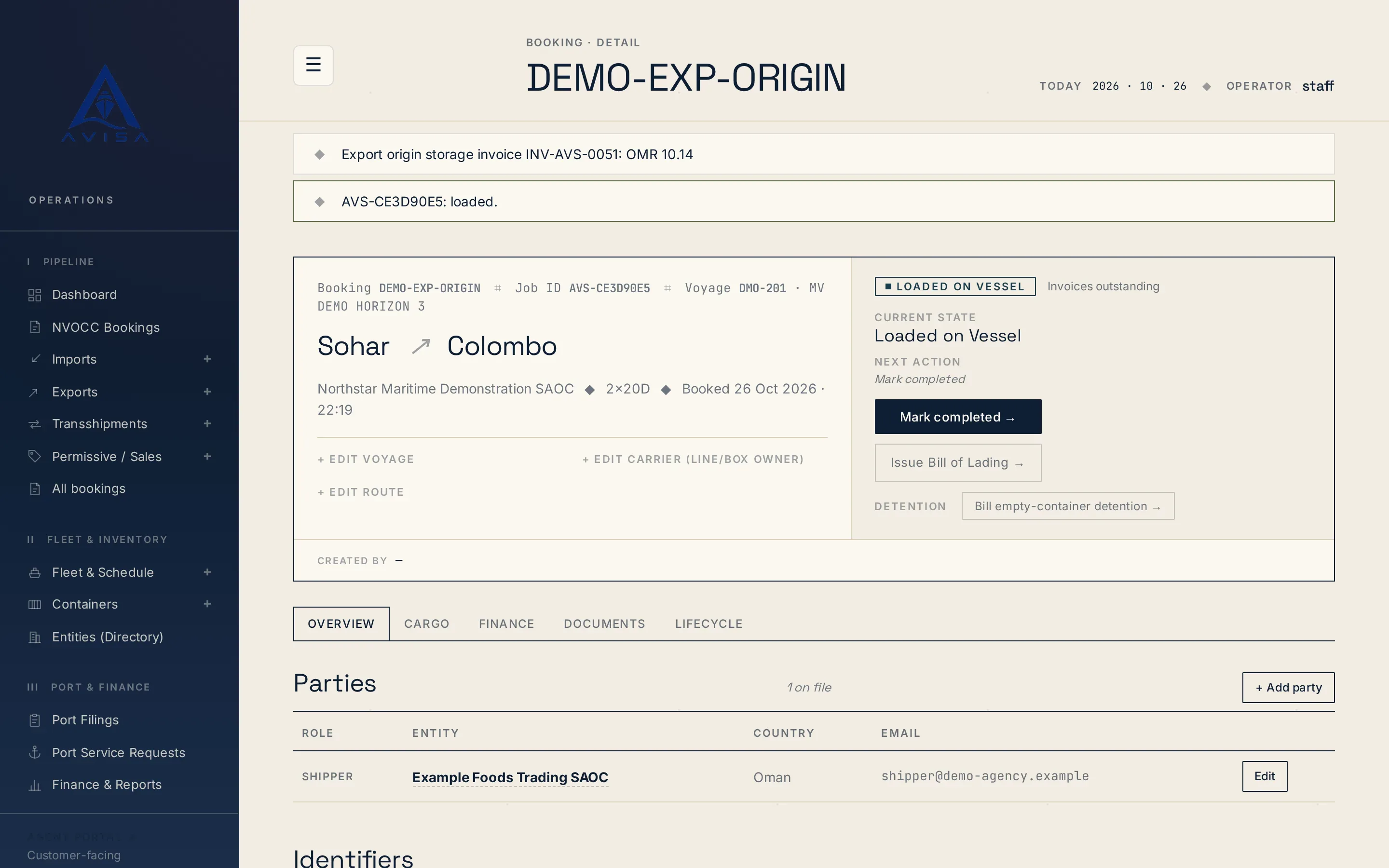
AVISA times demurrage and detention per container from its own gate times, prices each window on rate tables you keep and prints the working on the bill.
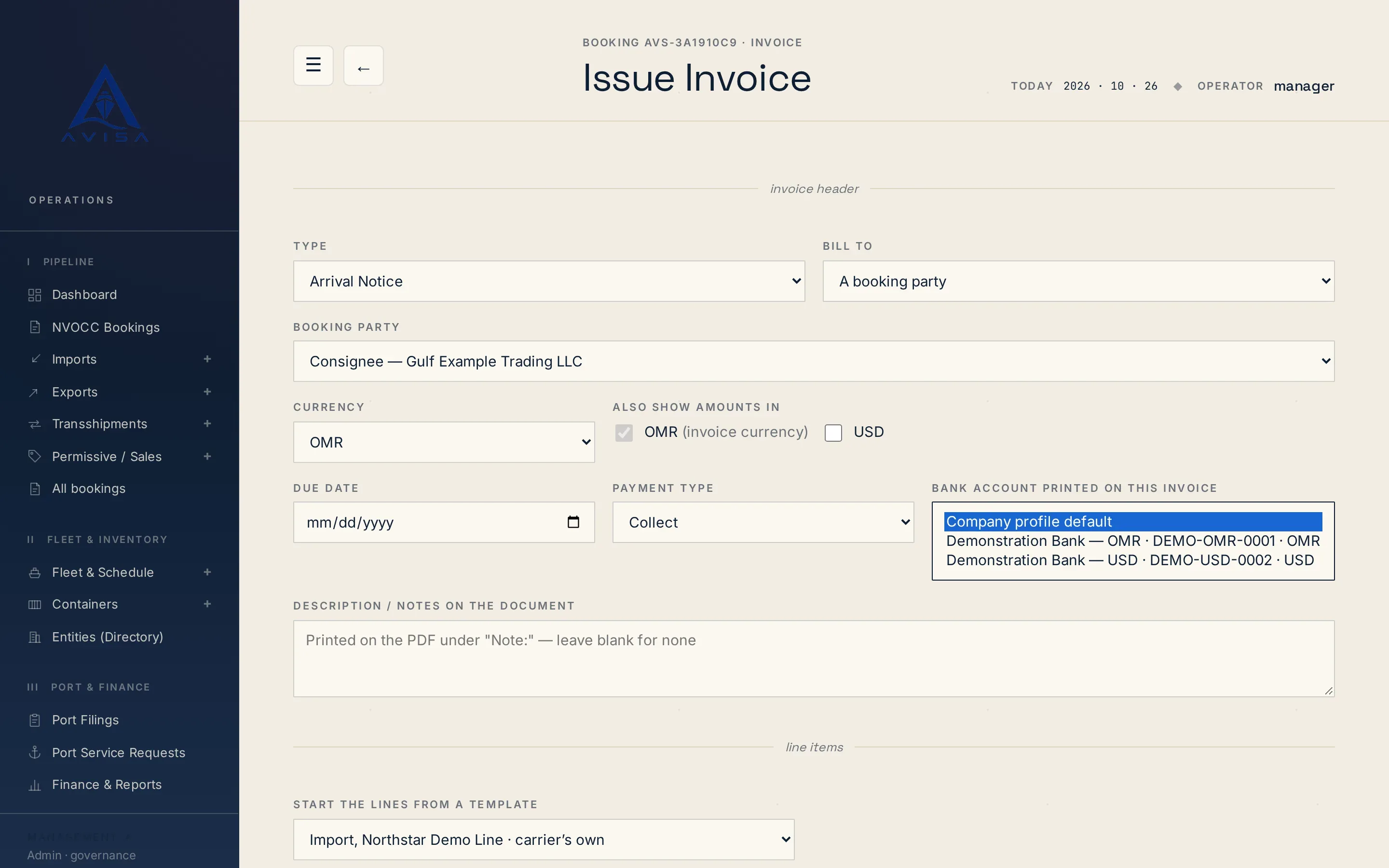
Issue freight invoices, THC and DO charges from the booking, with one charge catalogue, VAT on every line and any currency you hold a rate for.
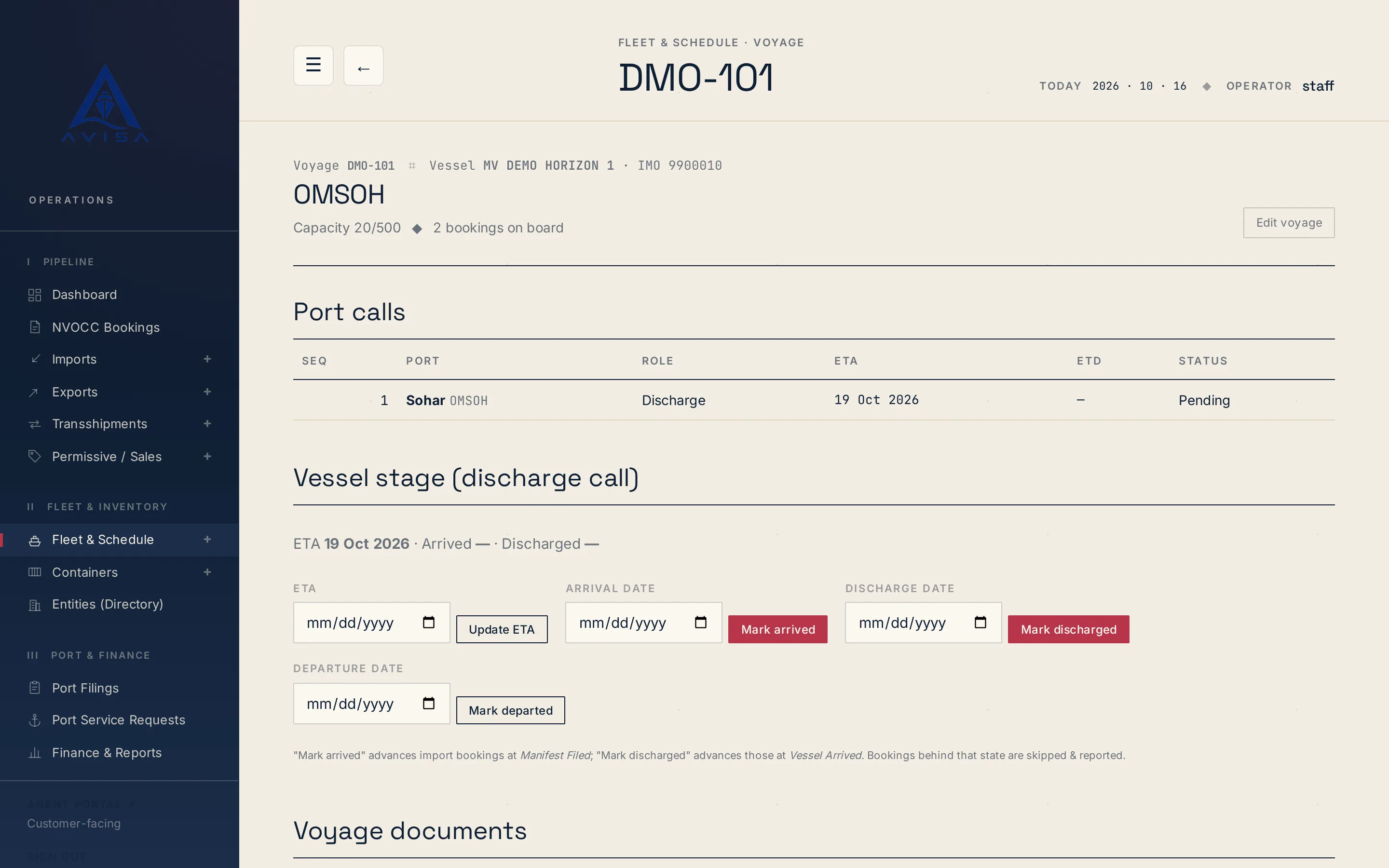
AVISA fills the Bayan cargo manifest workbook for each vessel arrival from your bookings, shows the filing deadline and marks land-transit cargo as Transit.
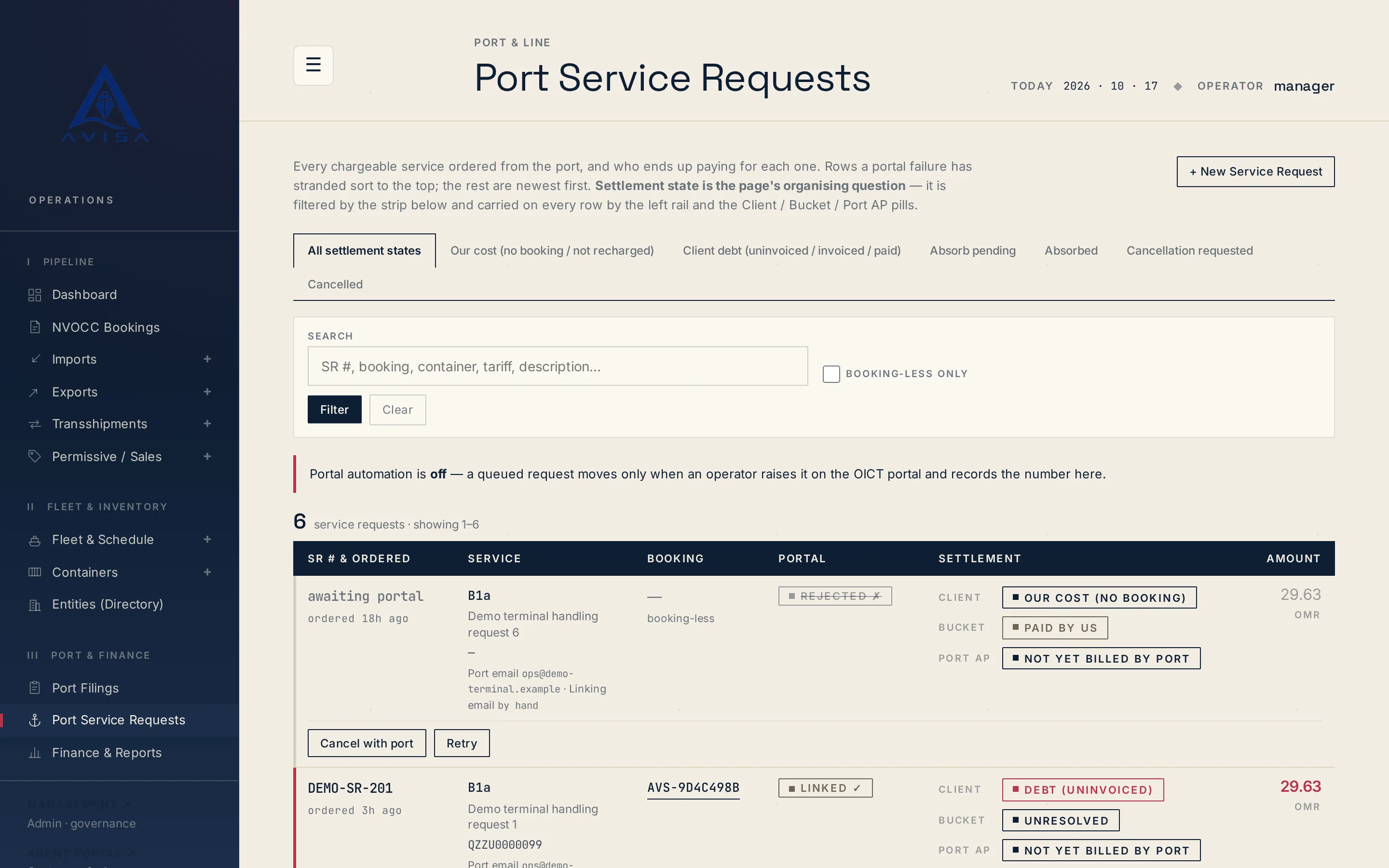
Raise OICT terminal service requests on a booking, price them from the tariff, recharge the client, see who pays. Optional portal automation for checked types.
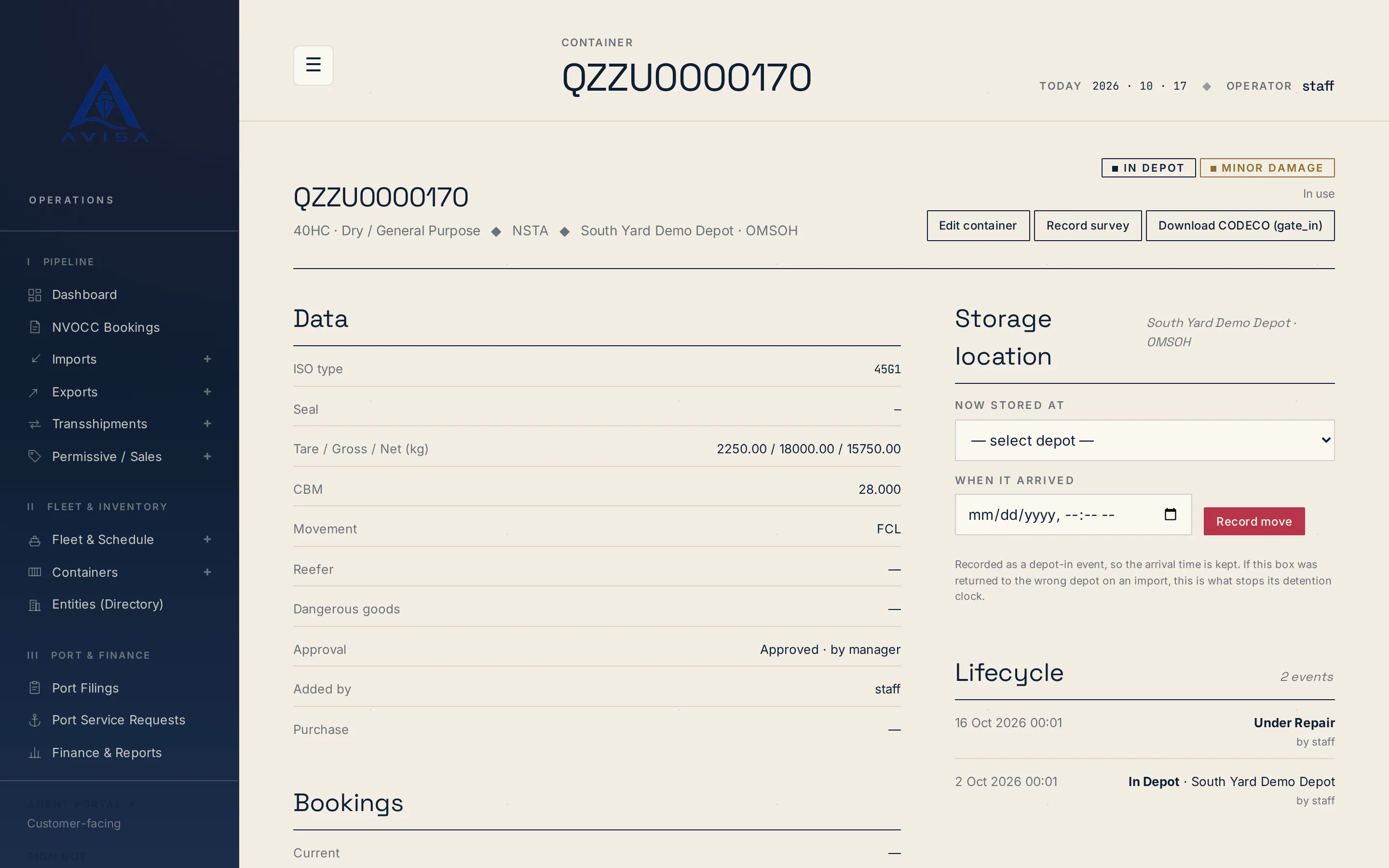
Download container repair estimates as DESTIM files and gate-in, gate-out or post-repair moves as CODECO files, built from your AVISA records. Download only.
Send us the details and we’ll get back to you.